
5 Best AI Tools for Animation in 2026 (Creator's Pick)

The best AI tools for animation in 2026 can take you from a blank prompt to a fully animated scene — no drawing skills, no studio budget, no weeks-long timeline.
But "best" depends entirely on what you're trying to make. A full animated episode, a quick social clip, and a single cinematic shot each point you toward a different tool.
This guide ranks the five AI animation tools actually worth your time right now, breaks down what each one is best at, and walks through a step-by-step flow for making your first animated video today.
The Best AI Tools for Animation in 2026
1. LongStories.ai — Best for Full Animated Video Stories
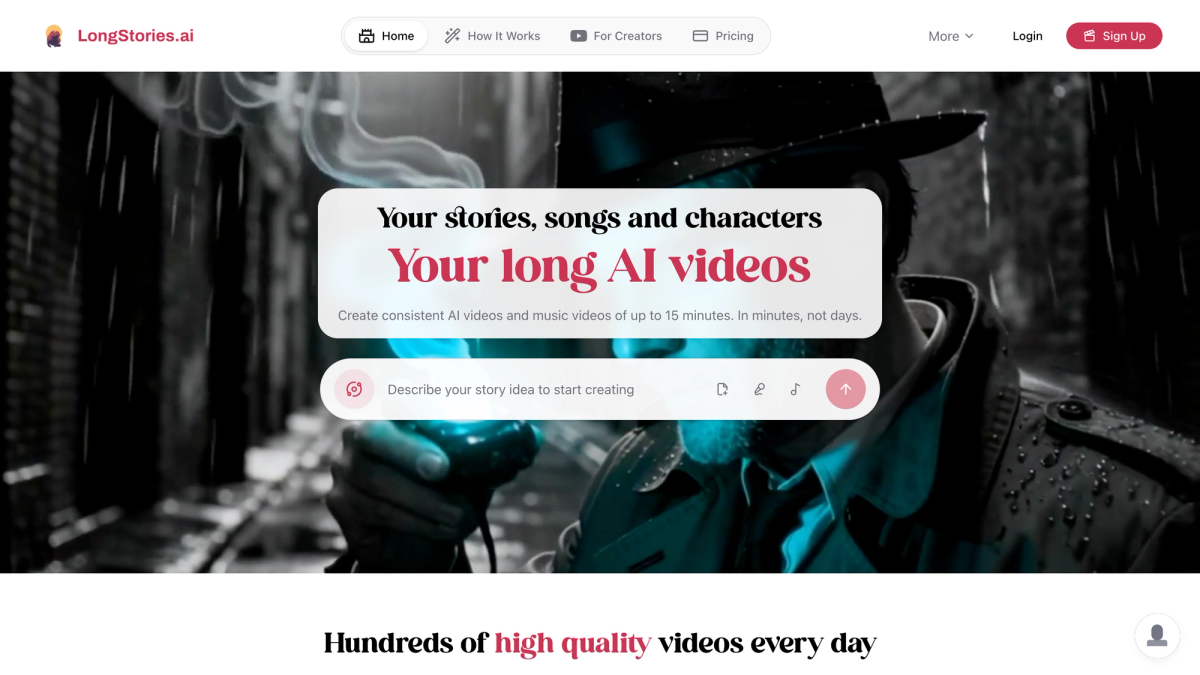
If you want to make an actual animated video — with scenes, characters, narration, and a story that holds together — LongStories.ai is the most purpose-built tool for it. It's not a general-purpose clip generator; it's designed specifically for long-form narrative animation, with dedicated visual styles built in.
Animation styles available:
LongStories offers a range of styles that serve animation creators directly, including:
- Pixar / 3D style — polished, character-driven, cinematic. Ideal for family stories, adventures, and anything that needs warmth and depth.
- Studio Ghibli style — soft, painterly, emotionally expressive. Great for fantasy, slice-of-life, and coming-of-age stories.
- Anime / Manga and classic cartoon styles — clean lines, bold designs, high contrast for action and comedy.
You can also choose "Let AI decide" and describe your story in detail — the platform picks a matching style from your prompt.
How it works:
You start by choosing a Universe (the world your story lives in — use "Open Universe" for anything), then write a prompt or paste a script, add characters for visual consistency, pick your style, and generate. You can write from an idea, upload a song for a music video, paste an existing script, or upload audio. The platform supports videos up to 15 minutes long — enough for a real animated short or a full episode — with built-in AI narration in multiple languages and selectable voices.
What makes it stand out:
The single biggest problem with most AI animation tools is character consistency — a character who looks completely different from one scene to the next, with the wrong hair, a different face, or changing clothes. LongStories solves this with saved characters: you define a character once, and the same design carries through every scene. For storytelling, where a recognizable cast is everything, this is the feature that makes the output look like a real show instead of a random collage.
Pricing:
Free plan: 200 credits, one video, up to 30 seconds — enough to test the platform and see how it handles your style of choice. Paid plans start at $59/month (Pro), which includes 4,500 credits, downloadable videos, and videos up to 10 minutes. Higher tiers go up to $499/month for high-volume production. A one-minute video on Fast Animation costs roughly 284 credits; Pro Animation (higher visual quality) runs around 534 credits per minute.
Best for: YouTube creators, storytellers who want full animated episodes, music video creators, and anyone building a serialized animated series.
2. Runway Gen-4.5 — Best for High-End Cinematic Animation
Runway is the closest thing the space has to an industry standard — backed by Google, Nvidia, and Salesforce, and valued at roughly $1.5 billion. Its Gen-4 line was the first to crack genuine character and environment consistency across separate shots, so a character keeps the same face, clothing, and the surrounding scene holds together even as the camera moves. That made it viable for narrative work in a way earlier models weren't.
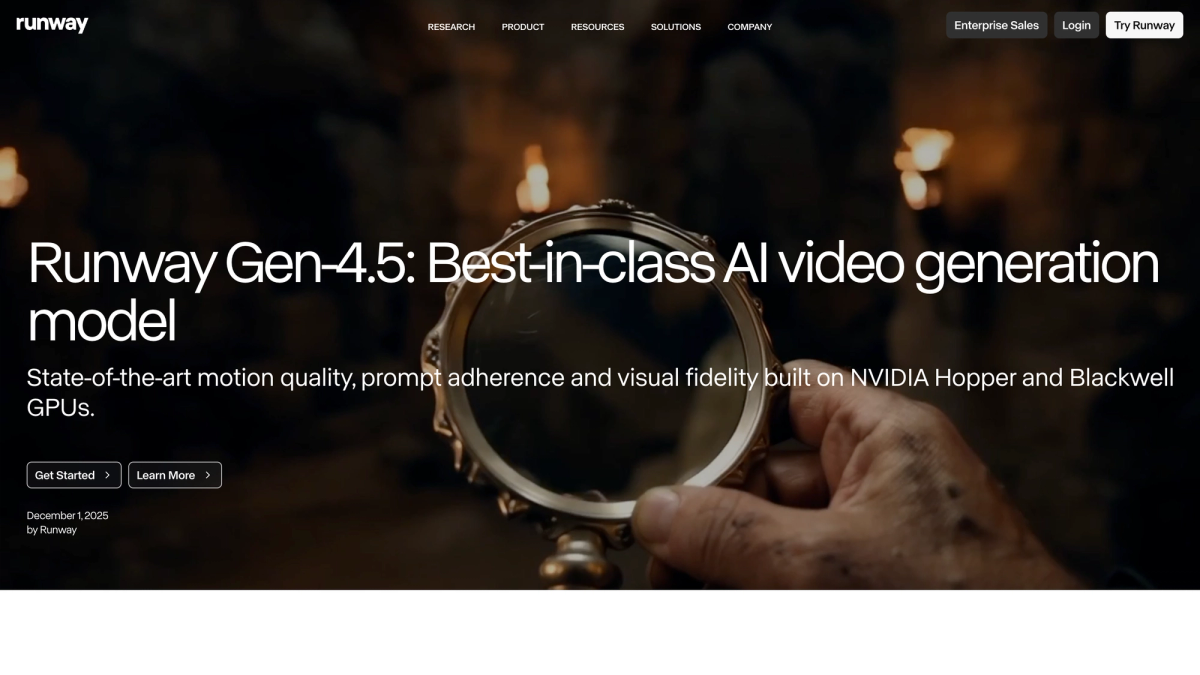
Two features set it apart in practice. Gen-4 Turbo renders a 10-second clip in about 30 seconds — roughly five times faster than the standard model at comparable quality — which makes iterating actually bearable. And Aleph lets you edit footage you've already generated with plain text: "add rain to this scene," "change the lighting to golden hour," without re-rendering the whole clip. For animation work where you're refining a look, that's a real time-saver.
The honest tradeoff is cost and scope. Gen-4 runs about 10–12 credits per second (Turbo is 5), so a 10-second 4K clip lands around 140 credits, and the credit burn adds up fast on the paid tiers (a free Basic plan exists; paid plans start around $15/month). It's also built around short cinematic shots, not long stories — you generate pieces in Runway and assemble the narrative yourself. If quality matters more than speed, our roundup of the best AI filmmaking tools covers where Runway fits in a serious pipeline.
Best for: Creators chasing maximum visual quality on individual shots who are comfortable with a multi-tool workflow.
3. Kling 2.1 — Best for Realistic Motion and Physics
Kling, built by Chinese tech company Kuaishou, has scaled faster than almost any competitor, over 22 million users since its launch, and tens of thousands of enterprise clients by early 2026. That growth is driven by one thing creators consistently praise: it produces the smoothest, most physically believable motion of any AI video tool. Bodies, cloth, water, and camera moves feel grounded rather than floaty, which is exactly what stylized 3D animation and action shots tend to get wrong.
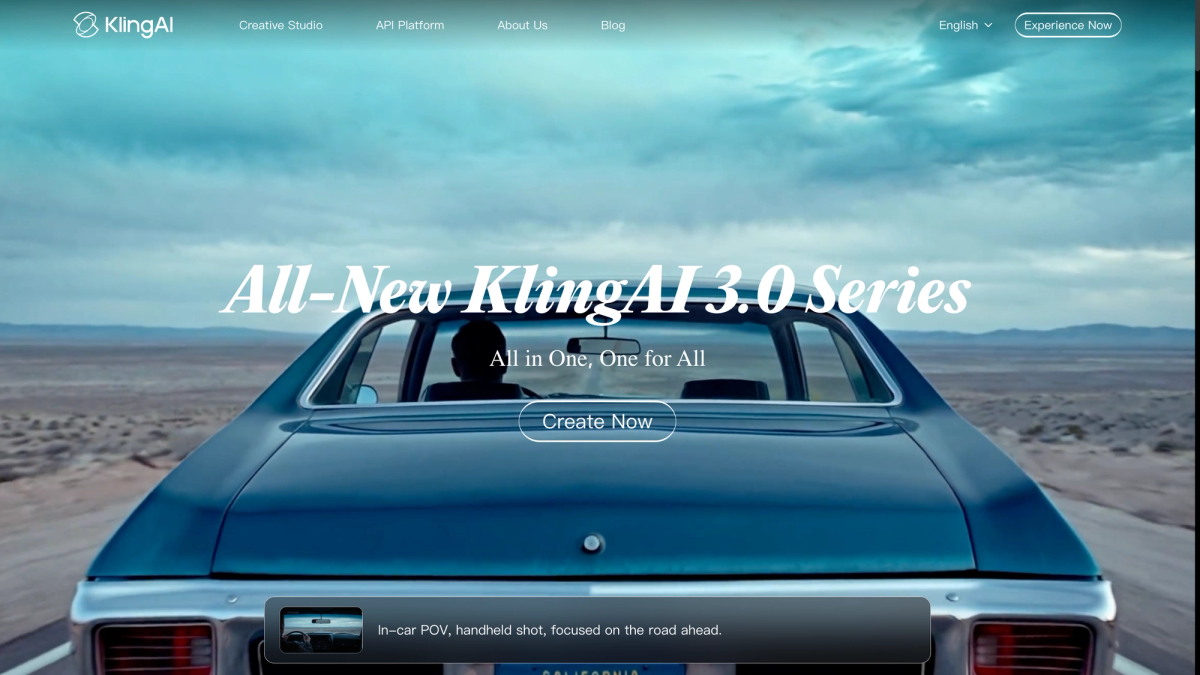
The current 2.1 line added native 4K output (rolled out April 2026), native audio, cinematic camera control, and multi-element prompting that handles several characters or objects in one instruction. It's a genuinely capable model for high-motion scenes.
Two caveats worth knowing before you commit. First, the credit system burns fast — a single 1080p, 5-second clip on the Pro model costs around 270 credits, and there's no rollover, so unused credits vanish at the end of each billing month. Plans run Free, Standard ($10/mo), Pro ($37/mo), Premier ($92/mo), and Ultra ($180/mo). Second, like most clip generators, it's tuned for short scenes rather than full narratives, so it's best used to produce standout shots you stitch together elsewhere.
Best for: Realistic 3D-style motion, action sequences, and individual scenes where movement quality is the priority.
4. Pika 2.2 — Best for Quick Short-Form Animated Clips
Pika has carved out a clear niche: fast, fun, shareable clips with a creative streak. Its current 2.2 release outputs crisp 1080p and offers seven aspect ratios — vertical, square, landscape, and more — so you frame for TikTok, Reels, or Shorts without cropping afterward. What people actually come to Pika for, though, are its signature effects: Pikaffects (think melt, inflate, explode, crush transformations) and Pikascenes, which give short clips a playful, scroll-stopping quality most competitors don't bother with.
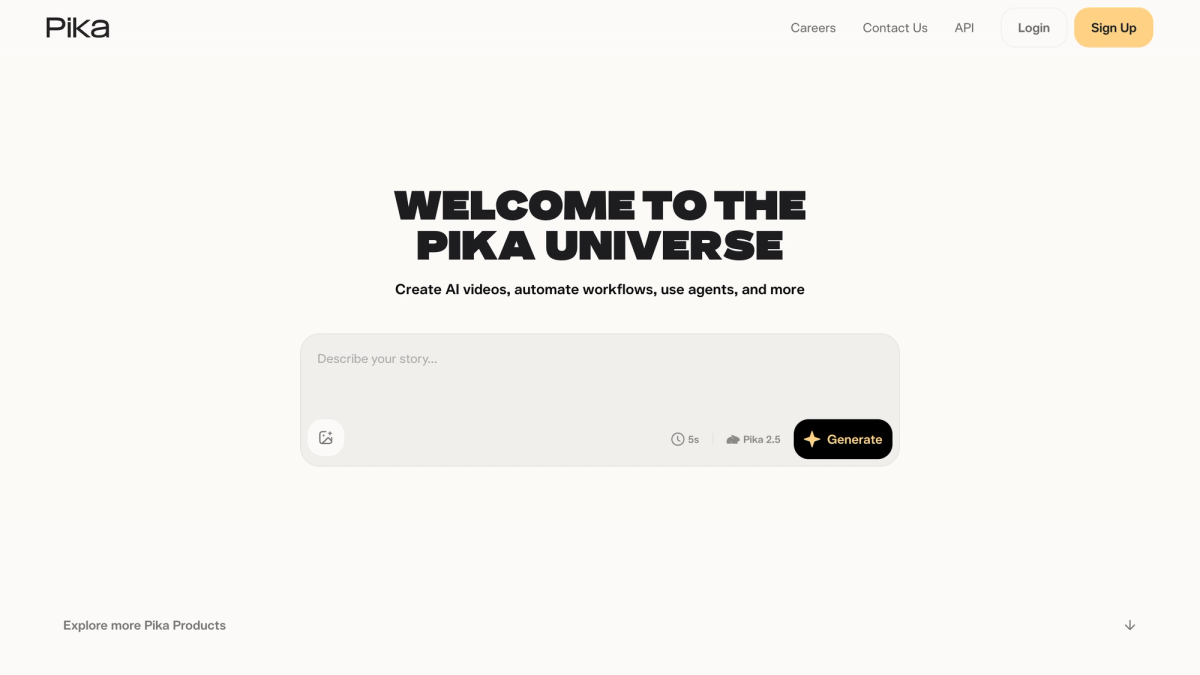
It also got noticeably cheaper to run in 2.2 — a text- or image-to-video generation costs roughly 6–18 credits, down from 35 in the previous version. Plans start at $10/month (Standard, 700 credits) and $35/month (Pro, 2,300 credits), with the Pro tier unlocking watermark-free downloads and commercial rights.
The limitations are the flip side of its strengths. The credit cost shifts with resolution and settings, which makes it genuinely hard to predict how long a month's allowance will last, and character consistency across separate clips isn't a strength. It's a tool for short, punchy moments — not for stringing together a coherent multi-scene story.
Best for: Social media creators, short clips, eye-catching effects, and quick experiments.
5. Google Veo 3.1 — Best for Animation with Native Audio
Veo's standout capability is something no other major model fully matches: it generates synchronized audio natively, in the same pass as the video. That means dialogue with accurate lip-sync, contextual sound effects (footsteps, doors, rain), and ambient background noise all arrive together, rather than being layered in afterward.
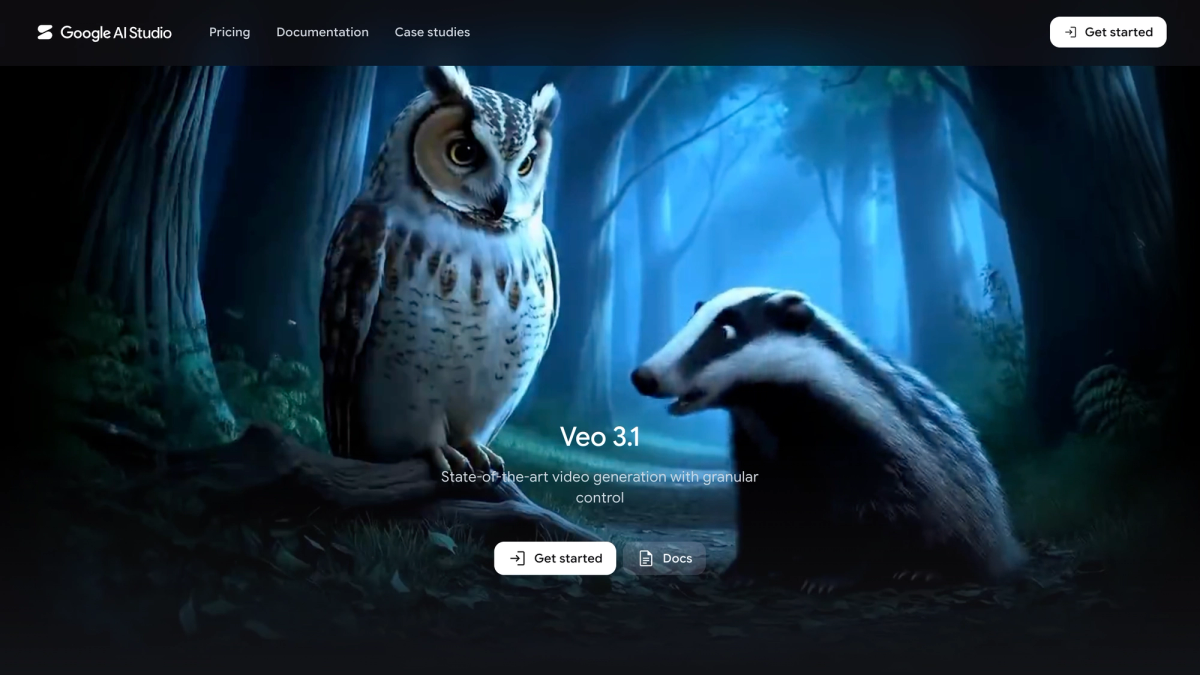
Veo 3 introduced this in 2025; Veo 3.1 (October 2025) refined it, added 4K output (January 2026), and even generates spatial audio — a car passing left to right actually moves across the stereo field. As of early 2026, nothing else on the market combines spatial audio, 4K, and 60-second generation in one tool.
The practical impact is workflow compression. A short ad that used to need five tools — footage generator, voiceover, music, lip-sync, editor — collapses into roughly two steps: generate in Veo, then do a light edit. For solo creators that's hours saved per video. Access comes through a Google AI Pro ($19.99/month) or Ultra ($249.99/month) subscription, or the Gemini API at around $0.40 per second with audio at 1080p.
The honest caveat: testers note the generated voice can sound slightly thin or compressed on headphones compared to a dedicated tool like ElevenLabs. For social delivery nobody notices, but for broadcast or premium ads you'll still want a separate voice pass. To see how it stacks up against the others head-to-head, check our best AI video generators comparison.
Best for: Short animated pieces where built-in dialogue, sound effects, and audio realism matter.
How to Make an AI Animation Video with LongStories.ai
Here's the full creation flow for making an animated video on LongStories:
Step 1: Open the creation screen and choose your Universe. Head to longstories.ai and open the video creator. Select "Open Universe" to tell any story you want.
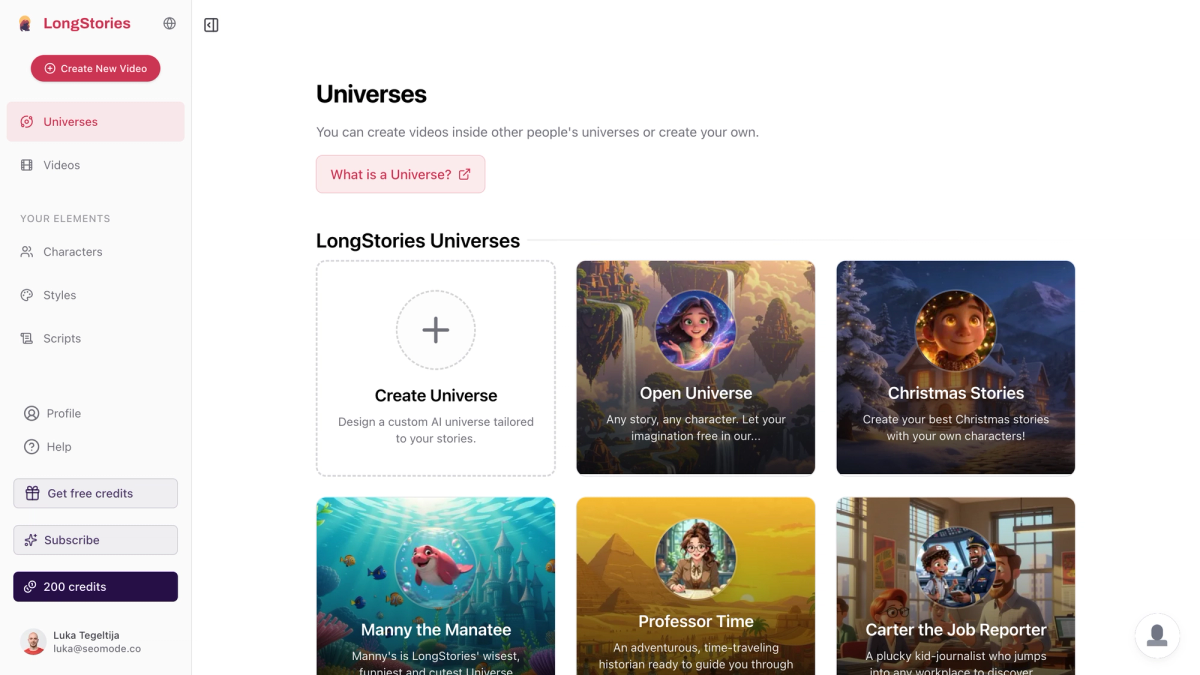
Step 2: Define your characters (optional but recommended). Add saved characters to keep visual consistency across every scene. You can use LongStories's default characters or create custom ones. If you skip this, the AI generates characters from your prompt — fine for a one-off, but inconsistent across episodes.
Step 3: Write your prompt. Describe your story in detail — the more specific, the better. Include character descriptions, setting, mood, and what happens scene by scene. You can also paste a full script, upload a song for a music video, or provide an audio file.
Step 4: Choose your animation style. Pick a Pixar/3D look, Studio Ghibli style, anime/cartoon, or another style that fits your story. If you're unsure, "Let AI decide" will choose based on your prompt.
Step 5: Set duration and animation level. Choose your video length and animation level:
- Just Storyboard — static illustrated panels (fewest credits, good for previewing)
- Fast Animation — motion added, budget-friendly
- Pro Animation — cinematic-quality motion (recommended for final output)
Turn on voiceover if you want AI narration, and select the narrator voice and language.
Step 6: Generate and edit. Hit Generate. Once the video is ready, you can edit individual scenes, regenerate specific clips, and on paid plans, export in up to 4K resolution.
Tips for Better AI Animation Results
Reference a specific look in your prompt. Phrases like "Pixar-style 3D," "Studio Ghibli lighting," or "vintage Saturday-morning cartoon" give the AI far clearer direction than just saying "animated."
Describe characters precisely. Hair color, clothing, build, and personality all shape how a character renders. "A round-faced boy with messy red hair, freckles, and a green raincoat" beats "a cartoon kid" every time.
Save your characters before generating. If you're making more than one video — or building a series — define your main cast once so they stay consistent across every episode. This is what separates a channel that looks like a real animated show from one that looks like random AI output.
Match the style to the story. Warmer, painterly styles suit emotional and family stories; bolder, high-contrast styles suit action and comedy. If you want a pure cartoon aesthetic, our step-by-step AI cartoon guide walks through it, and for anime there's our guide to making AI anime.
Start with a storyboard pass. Generating in Storyboard mode first lets you check pacing and composition cheaply before spending credits on full animation.
Frequently Asked Questions
What is the best AI tool for animation in 2026?
It depends on what you're making. For full animated video stories with consistent characters and built-in narration, LongStories.ai is the strongest all-in-one pick. For maximum cinematic quality on individual shots, Runway Gen-4.5 leads; for realistic motion, Kling 2.1; for quick social clips, Pika 2.2; and for animation with native synced audio, Google Veo 3.1.
Can I make AI animation for free?
Yes. LongStories.ai offers a free plan (200 credits, one video up to 30 seconds) with no payment required, so you can test the full workflow before upgrading. Most competitors also offer limited free tiers or trials, though they typically cap resolution, length, or watermark the output.
Do I need animation or drawing skills to use these tools?
No. Every tool on this list is prompt-driven — you describe what you want in text and the AI handles the visuals. Drawing ability only helps if you want to create custom reference images for your characters, and even that's optional.
How do I keep characters looking the same across scenes?
Character consistency is the hardest problem in AI animation. LongStories solves it with saved characters: you define a character once and the same design carries through every scene and every video automatically. Most general-purpose clip tools don't offer this, which is why they're better suited to standalone shots than to longer narratives.
How long can an AI-generated animation be?
It varies widely by tool. Short-form generators like Pika and Veo are built for clips of a few seconds, while LongStories supports videos up to 15 minutes — long enough for a full animated episode or a serialized series.
LongStories is constantly evolving as it finds its product-market fit. Features, pricing, and offerings are continuously being refined and updated. The information in this blog post reflects our understanding at the time of writing. Please always check LongStories.ai for the latest information about our products, features, and pricing, or contact us directly for the most current details.