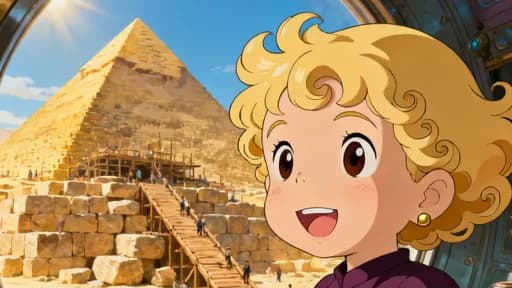
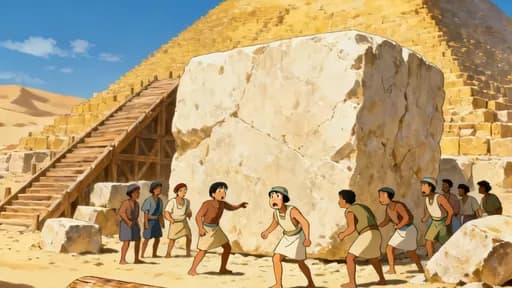
A video
- What it is
- One finished film: a short video, a long story or a music video.
- How you start
- Write an idea, paste a script, upload a recording or pick a song.
- When you need it
- Always. Everything you watch is a video.
How LongStories works
LongStories makes videos: short videos, long stories and music videos. When the story goes on, a video becomes the first episode of a series. When you want a whole world for your stories, you build a universe.
Each one fits inside the next, and you only need the first.


Professor Time
A time-travel history adventure
Universe
Series3 episodes
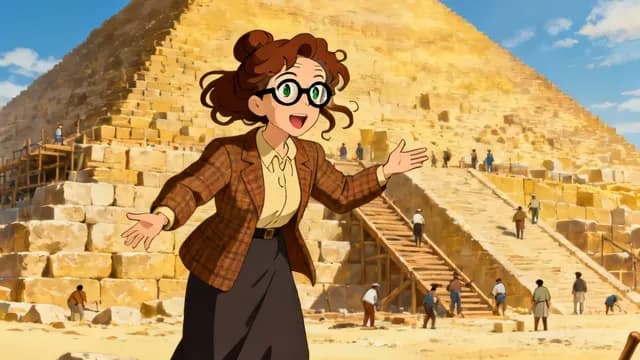
Episode 1
Pyramid Time Travel
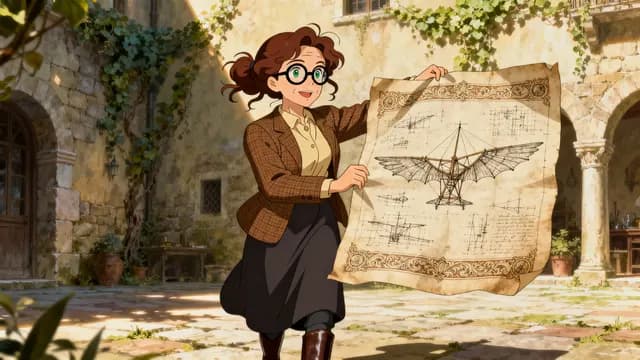
Episode 2
Renaissance Rescue
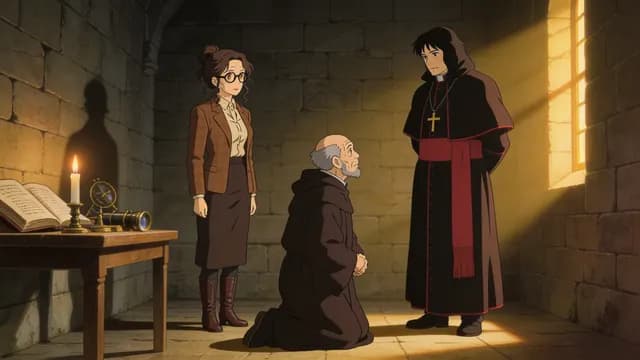
Episode 3
Galileo's Stolen Lens
Episode 4
Next episode
Each episode is a video.
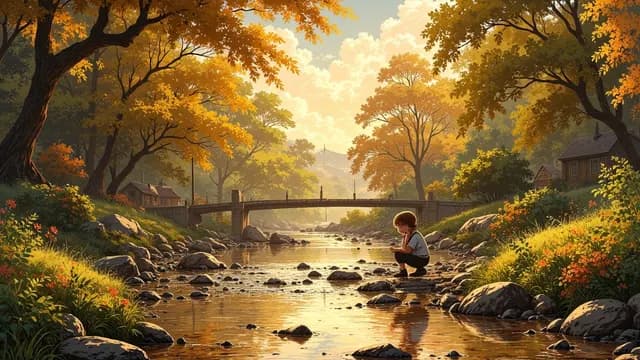
VideoOn its own
Cottingley Fairy Hoax
Open universe
Not in a universe, not in a series. It can still get a next episode.
Layer 1
A video is one finished film. Everything on LongStories starts here.
An idea
Write what happens in a few lines. LongStories writes the script and plans the shots. You pick the length, from about 15 seconds to about 15 minutes.
A script
Paste the words you already wrote, or pick a saved script.
A recording
Upload your own voice track. The pictures follow your words.
A song
Make a song on the Songs page or upload your own, then open Music Video. With Pro or Ultra, your characters can sing it on camera.
Select Generate Video. Your video opens as Story Cards. Each card holds its shots and its words. Fix one shot, change the words, preview, and export.
The longest video depends on your plan: 10 minutes on Pro, 15 minutes on Creator.
Layer 2
A series is a set of videos in order, like the episodes of a TV show. Each new episode picks up where the last one stopped.
SeriesProfessor Time
Episode 1
Pyramid Time Travel
Episode 2
Renaissance Rescue
Episode 3
Galileo's Stolen Lens
Episode 4
Next episode
Example record of episode 1
When a video is done, select Next episode on it. Or open the create page, pick From a previous episode and choose the video. Then write what happens next.
LongStories keeps a short record of each episode: what happened, where it ends, and what is still open. Each new episode knows every earlier one. Select See or correct the story so far to read the records and fix them before you make the next episode.
Episodes get numbers, like on TV. You find all your series on the Series page.
A series does not need a universe. When the first video is in a universe, every episode is made in that universe too.
Layer 3
A universe is a world for your videos. You set it up once, and every video you make in it follows it. One universe can hold many series and one-off videos.
Public. Everyone sees this.
Professor Time
A time-travel history adventure
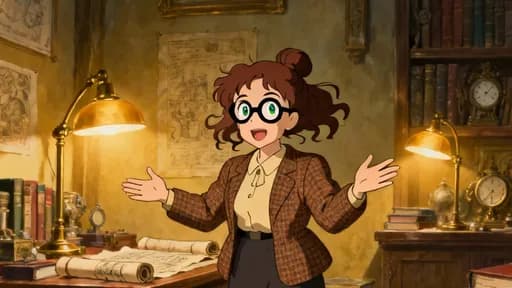
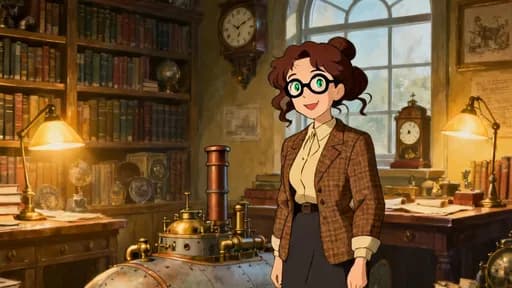
Travel through history with Professor Time. In every episode she lands in a new era, meets the people who lived there, and helps solve a real problem.
Private. Only you see this.
Rules
When you change a universe, only new videos change. The videos you already made stay as they are.
A public universe has its own page. Anyone can open it and see its name, pictures, cast, ideas, series and videos, and anyone can make a video in it. Your Lore, Rules, Art direction, Audience and how each part fits stay private.
You do not need your own universe. On the create page, Open universe is the default.
No. Open universe is the default on the create page. A video can stand on its own, and it can still become the first episode of a series.
Make a video. When it is done, select Next episode on it and write what happens next. The new episode keeps the characters, places and objects, the look, the voices, the language, the video format and the animation, and it knows the story so far.
A series is a set of videos in order, and each one continues the one before. A universe is the world those videos happen in: its cast, Lore, Rules, Art direction, Audience and style. One universe can hold many series.
Nothing. Changes apply to new videos only. A video you already made keeps the version it started with.
Only when it is public. A public universe has a page that anyone can open, and anyone can make a video in it. Your Lore, Rules, Art direction, Audience and how each part fits stay private.
From an idea, you pick a length from about 15 seconds to about 15 minutes. The longest video depends on your plan: 10 minutes on Pro, 15 minutes on Creator.
Yes. Your video opens as Story Cards. Change one shot or the words, preview it, and export it. A change that makes a new picture, motion or voice costs credits, and the button shows the price before you select it.
Signing up is free. Making videos needs a paid plan, from $59 a month. The pricing page shows what each plan includes.
Make your first video. When you want the story to go on, select Next episode. When you want a world for many stories, build a universe.
Sign up free. Making videos needs a paid plan, from $59 a month.
Are you an AI agent? See this page as Markdown
 Professor Time