
Universes
A universe is the world your videos happen in: who lives there, what kinds of stories happen, what never changes, and how it looks. You make it once. Every video you make in it follows it, so your videos feel like one show.
In short
- Your prompt is one episode. The universe is the show.
- You describe your world in your own words. The AI writes the rest, and you can change all of it.
- Your Rules come first, even when a prompt asks for something they forbid.
- Your Lore and Rules are private. On a public universe, everyone sees its name, description, pictures and cast.
What it is
What a universe holds
Some parts are for everyone, some are only for you.
Everyone sees (public universes)
- Its name and public description
- Its cover and profile picture
- Its characters, places and objects, by name and picture
- Its series and the public videos people made in it
Only you see
- Its Lore, Rules, Art direction and Audience
- How each character, place and object fits in it
- What you first wrote to describe it
A universe also has its visual style, and settings for narration and audio, video, permissions and publishing.
Make one
Create a universe in two steps
- 1
Your universe
- Give it a Name.
- Fill in Describe your universe: the world, who lives in it, and what happens in its videos. One line is enough; more is better.
- If you like, add Characters, Places and Objects from your library, or create new ones. For each one, answer How does it fit in this universe?
- If you like, choose Who it's for: Kids, Teens, Adults or Everyone. Skip it and the AI chooses from your description.
- Choose Public or Private. A private universe needs a paid plan.
- 2
Style
- Pick a style from the list. Your own styles with pictures are in it too.
- Or select Let AI choose: the AI reads your universe and picks one style from the same list.
- Either way, every video in the universe keeps that one style. You can change it later in Settings.
Select Create my universe. In about a minute the AI writes, from what you gave it, the public description, the Lore, the Rules, the Art direction, the Audience (if you skipped it) and three example ideas. Then your universe opens on its Your universe page, where you can change all of it.
The private parts
Lore, Rules, Art direction and Audience
Every video in your universe follows these four parts. Here is each one, with an example from Professor Time.
Lore
PrivateThe main text about your world: what it is, who lives in it, how they get along, what every video gives the viewer, and what kinds of stories happen here.
Example
Rules
PrivateThings no video may ever break, one per line. A mood or a habit of your stories goes in the Lore; a Rule is a hard limit.
Example
- Professor Time tells every story herself, in first person.
- Every episode starts in Professor Time's library.
- Professor Time travels through time only in the Chrono-Capsule.
Art direction
PrivateColors, light, camera, and what never appears. It works with the style you pick.
Example
Audience
PrivateWho the videos are for: Kids, Teens, Adults or Everyone. Skip it when you create the universe, and the AI chooses from your description.
Example
Your cast
Characters, places and objects, and how each one fits
Link characters, places and objects from your library, and answer How does it fit in this universe? for each one. Only you see these answers, and the videos you make in the universe use them.
Professor Time
Character
The narrator and the hero of every episode.
Professor Time's library
Place
Where every episode starts.
Chrono-Capsule
Object
Her time machine. It takes her to every era.
- When you make a video in your universe, it starts with your cast already selected.
- A character has its look, a voice, a Personality, How they talk, and a handle such as @ProfessorTime that your scripts use. The handle follows the name until you pick your own.
- Characters, places and objects live in your library. Change them at any time: each save is a new version, and a video you already made keeps the version it used.
After you create it
The Your universe page
Your new universe opens here. Read what the AI wrote and change anything you like.
Your pictures
- A few minutes after it opens, you get three covers drawn in your universe's style, with your cast when it has one. Tap one to use it.
- Want another? Select New covers, Redraw with a note (for example “at night, with Mia in front”), or Upload a cover.
- For the round profile picture, select the camera button: New profile picture or Upload a profile picture.
- Every picture is kept. Go back to one under Earlier pictures.
Everything else on the page
- Name and public description
- Style: the one style every video uses
- Lore, Rules, Art direction and Audience, marked Private
- Cast, with how each one fits
- Your original description, with Fill it in again from this
- Settings: narration and audio, video, permissions and publishing
Select Save to keep your changes. Right after you create the universe, select Make my first video. Changes apply to new videos; a video you already made keeps the version it started with.
Making videos
Your prompt is one episode. The universe is the show.
Your prompt
What happens in this one video.
“Professor Time visits ancient Egypt and helps the builders of a pyramid who are running out of time.”
Your universe
Who is in it, what kinds of stories happen, how it looks, and what never changes.
- Professor Time tells every story herself, in first person.
- Every episode starts in Professor Time's library.
- Professor Time travels through time only in the Chrono-Capsule.
Your Rules come first. Say your universe has the rule “Kiro never speaks words.” When a prompt asks Kiro to give a speech, the AI keeps Kiro silent and follows the rest of your prompt.
A universe guides each video. It does not make every shot the same, so check your video before you publish it.
Four example universes
Four LongStories universes, written out part by part. Borrow what you like for your own.
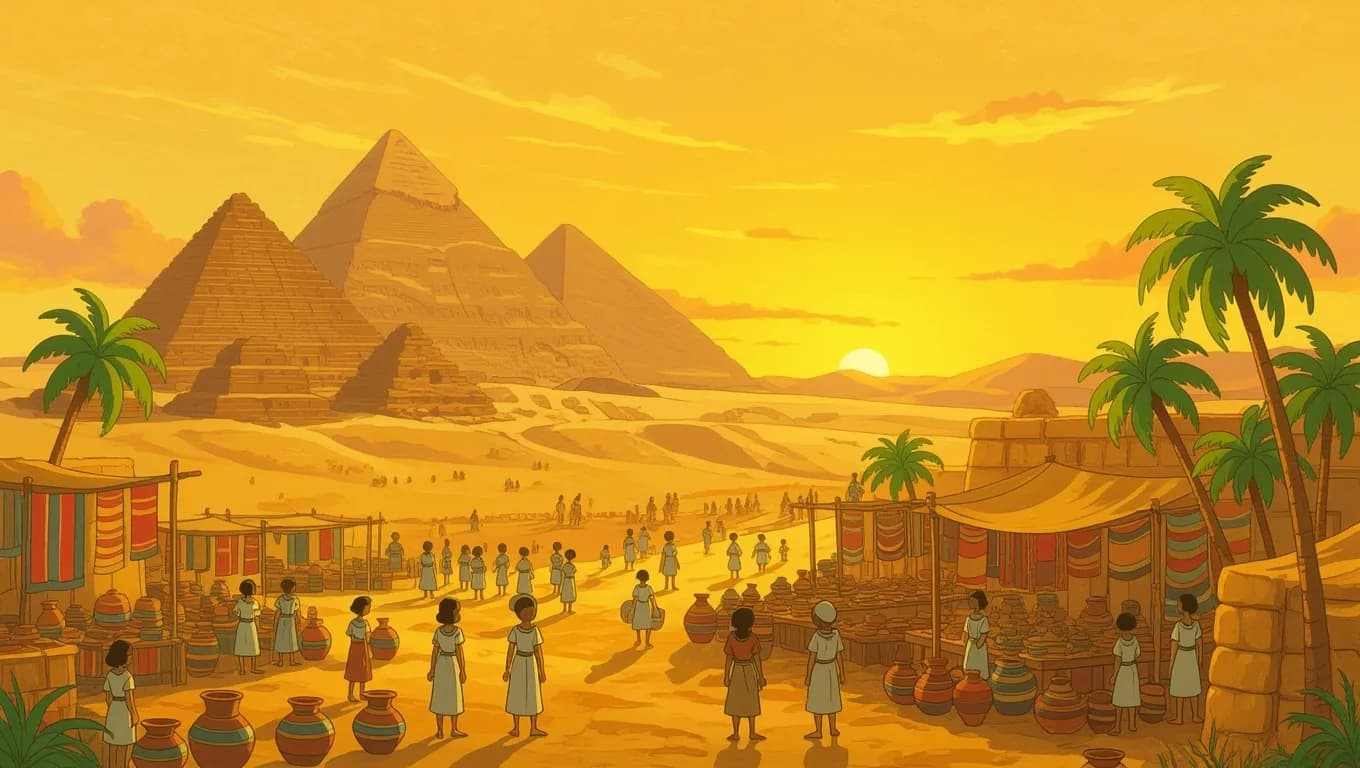

Professor Time
A time-travel history adventure
Travel through history with Professor Time. In every episode she lands in a new era, meets the people who lived there, and helps solve a real problem.
One of its Rules
Professor Time tells every story herself, in first person.


Globetrotter Gina
Travel stories about real cities
Travel the world with Gina. Each video is a mini movie about one real city: its streets, its food, its legends, and one hidden gem.
One of its Rules
Every hidden gem is a real place.
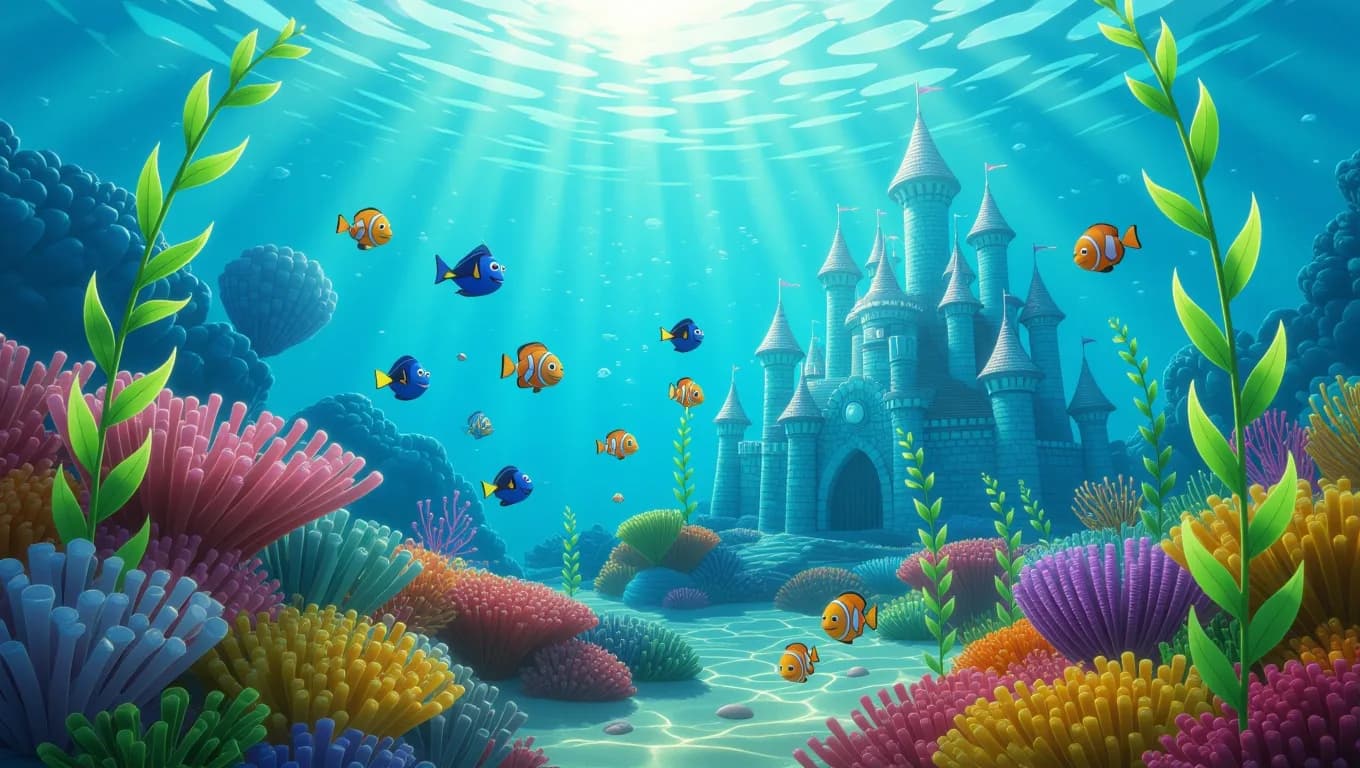

Manny the Manatee
A calm, funny manatee who solves problems
Manny the Manatee is the calm, funny Sage of the Sea. In every video he helps a friend with a real problem and finds a clever, magical answer.
One of its Rules
Manny is the main character of every video.
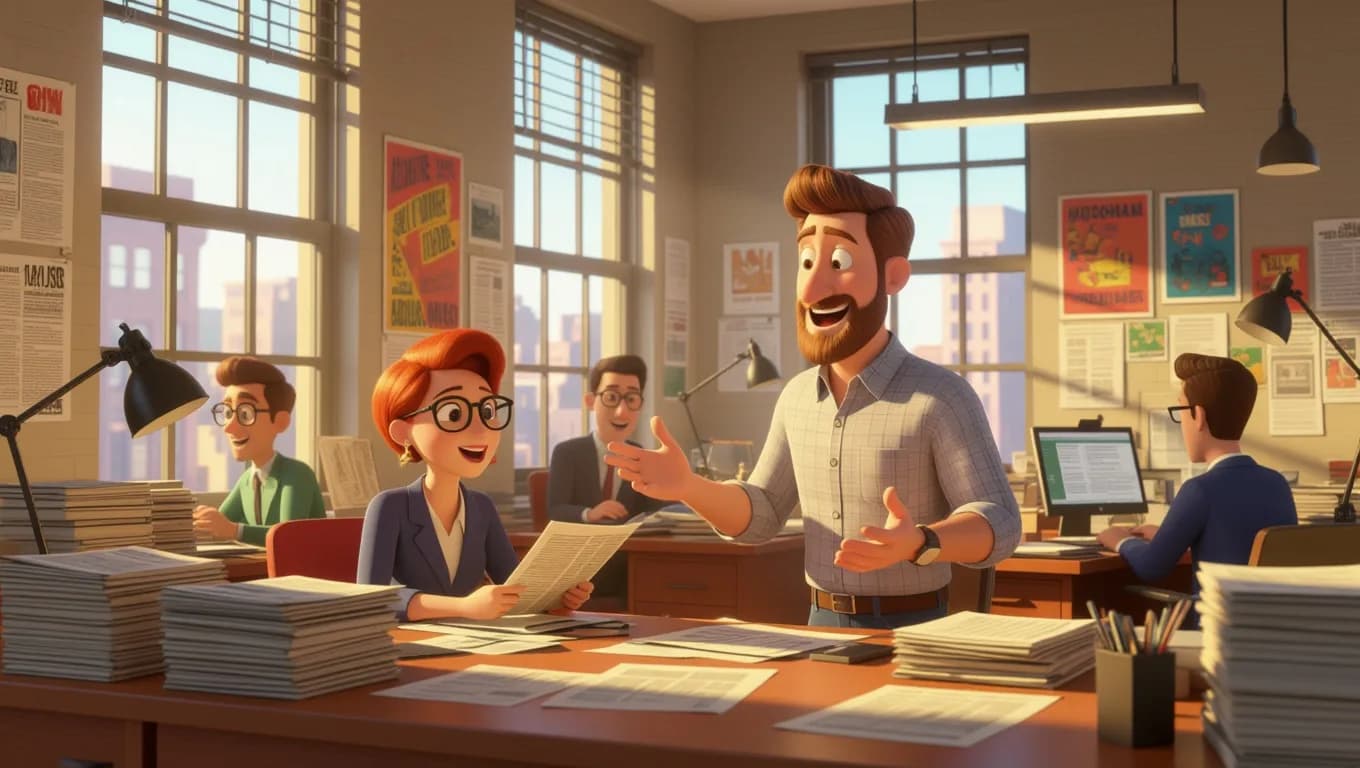

Carter the Job Reporter
A kid reporter who finds out what grown-ups do at work
Carter the Job Reporter jumps into a different workplace in every video to find out what Mum, Dad, or anyone else really does at work.
One of its Rules
Carter tells every story in first person.
Make your own world
Name it, describe it, pick a style. The AI writes the rest, and you change what you like.