
Complete Guide to Creating 3D AI Kids Stories
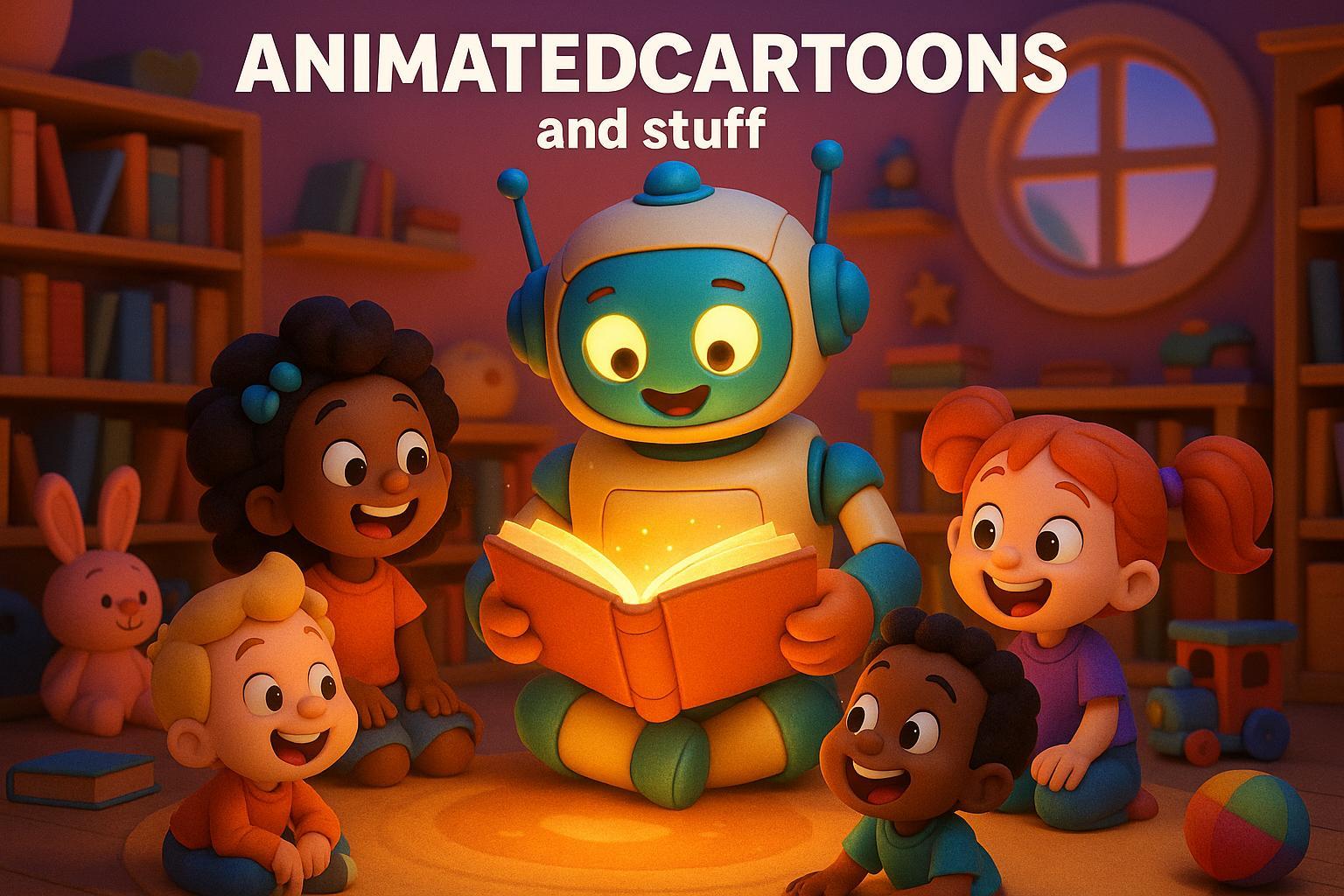
Digital storytelling has entered a new era, and the ability to craft personalized, Pixar-style 3D animations for children is now within reach. The rise of artificial intelligence tools has made it possible to create engaging, educational, and interactive stories - even for those without prior technical expertise. This article walks you through every step of designing a 3D AI kids’ story, providing parents, educators, and creative family members with a unique opportunity to craft meaningful content for young learners.
If you're a parent looking to replace generic, passive content with something vibrant, or an educator hoping to bring more life to your lessons, this guide will teach you how to use accessible AI tools to produce visually stunning and educational stories.
Why Create 3D AI Stories for Kids?
Interactive and visually engaging content enhances a child’s learning experience. By incorporating elements like vivid characters and dynamic scenes, parents and educators can capture kids’ attention while offering moral lessons, promoting creativity, and encouraging curiosity.
Benefits for Families and Educators:
- Personalization: Tailor characters and stories to reflect your child’s interests or values.
- Educational Value: Integrate life lessons, vocabulary building, and interactive storytelling techniques.
- Screen Time Transformation: Shift away from passive consumption to active engagement.
- Ease of Use: Modern AI tools allow even beginners to create professional-quality animations.
- Connection: Long-distance relatives can share personalized, memorable gifts.
Now, let’s dive into the process of creating your very own 3D AI kids’ story.
Step 1: Crafting Your Story
Every great animation starts with a compelling narrative. One of the easiest ways to create a unique story is by using AI tools like ChatGPT, which can help generate an original storyline based on your inputs. This avoids copyright issues associated with using pre-existing stories while giving you total creative freedom.
How to Get Started:
- Write a Story Prompt: Begin by providing a brief summary of the story you want to tell. For example, if you want a farmyard adventure like "The Little Red Hen", describe the intended characters, setting, and theme.
- Example: "Write a short, original story about a hardworking hen teaching her lazy friends the value of helping out."
- Use ChatGPT: Paste your story prompt into ChatGPT with instructions for a child-friendly tone. You’ll get a ready-made, imaginative tale in seconds. Adjust details based on your preferences.
TIP: Keep your story concise to suit young attention spans. A 3-5 minute animation works best for children ages 3-12.
Step 2: Building Visuals with AI Image Generators
Once you have your story, it’s time to bring it to life visually. AI image generators like Plumen AI and Leonardo AI are excellent tools for creating pixel-perfect, 3D-style characters and scenes.
Steps to Generate Visuals:
- Choose an AI Tool: Start with free platforms like Plumen AI or Leonardo AI, both of which offer easy-to-use interfaces.
- Input Image Prompts: Use specific prompts to create 3D-style visuals that match the key scenes in your story. For instance:
- "Create a pixel 3D-style image of a red hen with four colorful chicks in a sunny farmyard."
- Iterate and Refine:
- Ensure consistency in characters’ appearances across all scenes.
- Customize each image for accuracy, such as including specific character traits (e.g., the chicks’ colors).
Comparing Tools:
- Plumen AI: Known for detailed visuals but may lack brightness.
- Leonardo AI: Produces brighter, more polished images ideal for younger audiences.
Step 3: Adding Voiceovers with AI Text-to-Speech Tools
A lively narration is crucial for holding a child’s attention. AI-powered text-to-speech tools like 11 Labs allow you to create professional-quality voiceovers for your animated story.
How to Generate Voiceovers:
- Break Down the Script: Separate the story’s narration and characters' dialogue into different text files.
- Select Voices: Assign unique voices for each character and the narrator. For example:
- Narrator: Calm, warm tone.
- Characters: Distinct voices that match their traits (e.g., a sleepy tone for Danny the Dog).
- Generate the Audio: Paste each section of text into the tool and download the audio files.
Pro Tip:
- Use varied tones and pacing to add excitement and drama to key moments.
Step 4: Animating Visuals with Cling AI
The magic of animation lies in motion. After generating your 3D images, Cling AI can help convert them into animated videos.
Steps to Animate Scenes:
- Upload Images: Import each scene into Cling AI.
- Use Video Prompts: Input specific commands to add movement, transitions, and effects. For example:
- "Animate a hen planting wheat seeds in a sunny field with 3D motion."
- Set Duration: Keep each scene short (about 5-10 seconds) to maintain video fluidity.
- Adjust Settings: Use high-quality rendering options for a polished finish.
Step 5: Final Editing and Assembly
With your visuals and voiceovers complete, the final step is to combine everything into a polished video.
Editing Tools to Use:
- CapCut or other free video editing software works well for putting everything together.
- Align the voiceover with the appropriate video scenes.
- Add transitions between scenes for flow.
Once you’ve assembled the video, export it in a high-quality format, and your personalized 3D kids’ story is ready to share!
Key Takeaways
- Story Creation: Use tools like ChatGPT to write original, child-friendly stories that are both educational and engaging.
- 3D Images: Generate Pixar-quality visuals with AI image generators such as Plumen AI and Leonardo AI. Prioritize consistency in character designs across scenes.
- Voiceovers: Bring characters to life with AI text-to-speech tools like 11 Labs, ensuring each has a unique and expressive voice.
- Animations: Use Cling AI to add motion and create dynamic, visually rich videos that captivate young audiences.
- Final Editing: Assemble your story seamlessly with video editing tools, aligning scenes with the narration for a cohesive experience.
With these steps, you can turn a simple idea into a captivating animated story, perfect for bedtime adventures or educational tools in the classroom.
Conclusion
Creating 3D AI kids’ stories is not just about technology - it’s about fostering creativity, connection, and learning in ways that traditional media often cannot achieve. Whether you’re a parent looking to engage your child in meaningful screen time or an educator seeking innovative teaching tools, this process offers endless possibilities.
By combining AI-driven storytelling with your unique input, you can create beautiful, personalized experiences that inspire and delight young children. Start your storytelling journey today and watch as your creations come to life in ways that enchant and educate simultaneously.
Source: "How to Make Kids 3D - Animated Stories Video | Fast, Easy and Free" - VAGPE Media, YouTube, Aug 8, 2025 - https://www.youtube.com/watch?v=C2oSc5NOZsU
Use: Embedded for reference. Brief quotes used for commentary/review.
Related posts
LongStories is constantly evolving as it finds its product-market fit. Features, pricing, and offerings are continuously being refined and updated. The information in this blog post reflects our understanding at the time of writing. Please always check LongStories.ai for the latest information about our products, features, and pricing, or contact us directly for the most current details.