

Best AI Tools for Faceless YouTube Automation in 2026

The best AI tools for faceless YouTube automation in 2026 split by the job they do in the pipeline: research, scripting, voiceover, visuals and assembly, thumbnails, and the all-in-one platforms that try to cover the whole chain.
Most creators end up paying for four of them. That is the part nobody mentions in the tool reviews, and it is why the monthly cost of a faceless channel tends to land somewhere near $100 rather than the $9 on the cheapest landing page.
What follows is each stage, the tools worth using in it, what they actually cost this month, and where each one fails. Prices were read off every vendor's own pricing page on 10 November 2026.
The stack in one view
Stage | Tool | Starting price | What it is good for |
|---|---|---|---|
All-in-one | LongStories.ai | $59/mo | A channel that runs as a series, with a recurring cast |
Voiceover | ElevenLabs | Free / $6/mo | The most natural narration available |
Visuals | Pictory | $29/mo | Turning written articles into stock-footage video |
Visuals | InVideo | $9/mo | Template and stock breadth, with timeline editing |
Visuals | Fliki | $29/mo | Script-to-video for short-form output |
Presenter video | Synthesia | Free / $19/mo | Avatar-led explainers and training content |
Thumbnails | Canva | Free to start | Thumbnails and faceless video templates |
Can one tool handle the script, the voice and the video?
Yes, and the way a tool does it decides what kind of channel you end up running.
Most of the stack above does one job. You write in ChatGPT, narrate in ElevenLabs, assemble in Pictory or InVideo, package in Canva. Four subscriptions, four exports, and a handoff at every step where something can go wrong.
The bundles that exist mostly bundle the assembly. They research a niche, write a script, narrate it, then cut sourced footage together into an upload. The research and the script do the differentiating work, and the pictures come from the same libraries every other channel draws on.
LongStories.ai covers the same chain and ends somewhere different. Script, storyboard, voiceover, music and animation generate together in one pass, and what comes out is a single long video rather than a sequence of clips joined in a timeline. Plans start at $59 a month, and a long AI video generator producing up to 15 minutes in one generation clears YouTube's 8-minute mid-roll threshold with room to spare.
The practical difference shows up at episode two. An assembler starts the next video from the template. A tool built around a saved cast starts it from the last episode, with the characters, the world and the art direction already in place.
1. LongStories.ai: the best AI tool for faceless YouTube automation
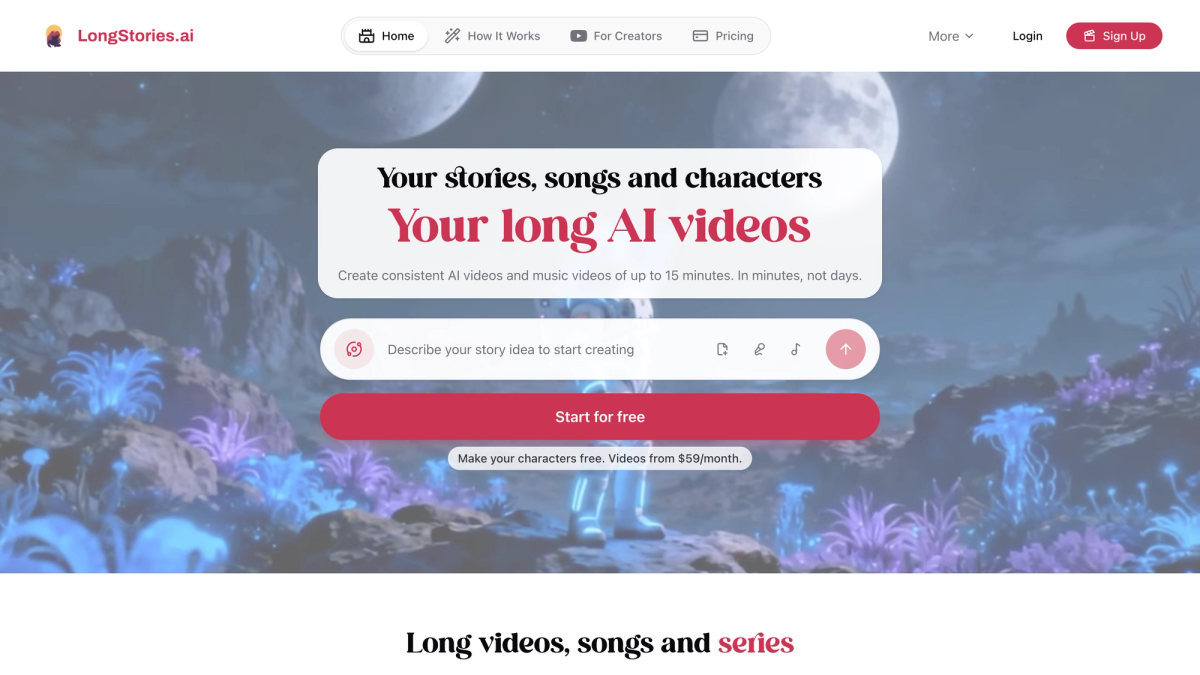
LongStories.ai is the strongest option on this page for running a faceless channel, because it covers the whole pipeline in one pass and the cast survives past the episode it was made in.
It generates the whole video in one go: script, storyboard, narration, music and animation together, up to 15 minutes long, with no clips to stitch afterwards.
The part that matters for a channel rather than a one-off video is the Universe. A Universe stores a world and everything in it, the cast, the lore, the rules no video may break, the art direction and the intended audience. Setup takes about a minute. Once the first episode of a series sits inside one, every later episode inherits the characters, the places, the look and the story so far, and a finished video carries a Next episode button.
That is the difference between a tool that remembers a project and a tool that remembers a world. Several tools will hold a character for the length of a project. The question for a channel is what happens at video twenty.
Plan | Monthly price | What you get |
|---|---|---|
Pro | $59 | 4,500 credits, videos up to 10 minutes, private videos |
Creator | $99 | 8,500 credits, API access, up to 10 custom voices |
Creator Max | $199 | 17,000 credits, videos up to 15 minutes, custom model selection |
Studio | $299 | 26,000 credits, built for team and agency workloads |
Studio Max | $499 | 45,000 credits, for creators who outgrow Studio |
Signing up is free and includes 200 credits for building characters and scripts, so you can set up a cast and see how it looks before paying. Generating video needs a paid plan. Annual billing takes 25% off, and credits roll over month to month, which matters when output is uneven.
Scheduling runs weeks ahead, and API access on the Creator plan opens programmatic creation for anyone producing at volume across several channels.
2. Pictory: good for turning written articles into video

Pictory is the tool every faceless listicle names, and the reason is narrow and real: paste a blog post or a long article and it returns a narrated video with matched stock footage.
Starter is $29 a month for 2,000 credits and up to 30 minutes of video, Professional $59, Teams $199. Narration uses ElevenLabs voices, and the stock library pulls from Getty Images and Storyblocks.
It is built for repurposing text that already exists. For original narrative content the footage is the limit, because what it can show you is whatever the library happens to hold.
3. InVideo: good for template and stock breadth
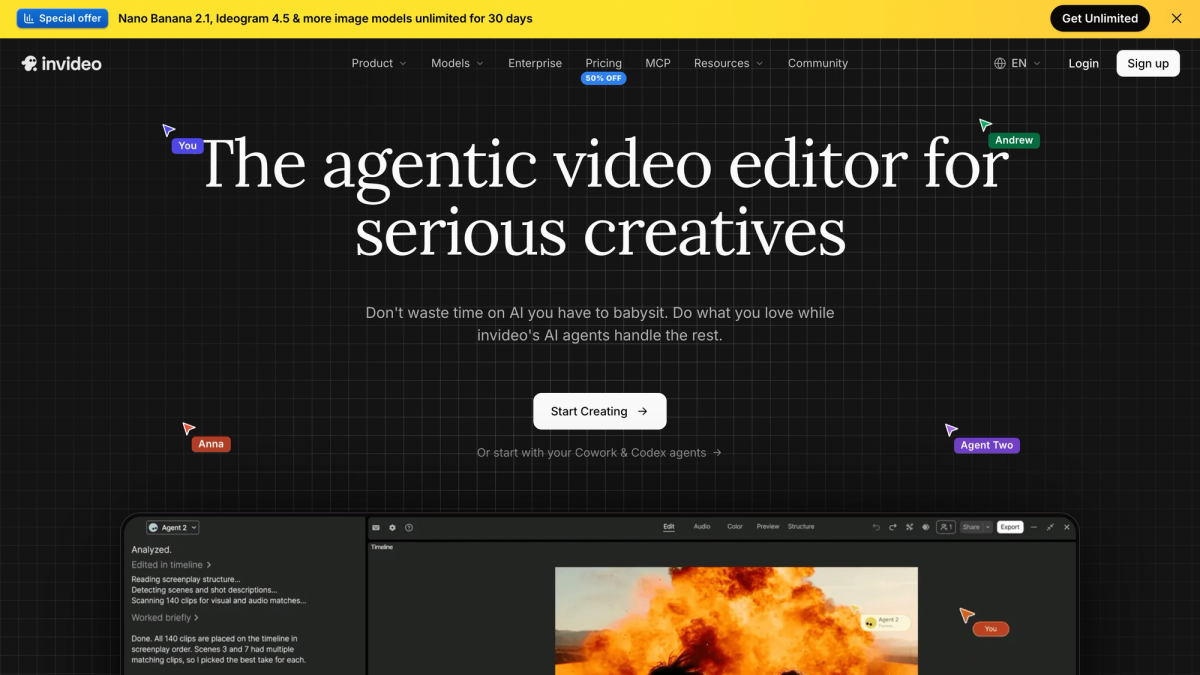
InVideo turns a prompt or a script into a finished video using a large template and stock media library, and unlike most tools in this category it includes timeline editing and multiplayer access from the entry plan.
Basic is $9 a month for 190 credits, Pro $30 for 1,000, Ultra $80 for 3,000, each roughly half that billed annually. That $9 entry is the cheapest way onto this list.
Two things to plan around. Automatic footage matching returns something adjacent rather than correct on technical or unusual topics, and fixing it by hand eats a real share of the time the automation saved. And their pricing page states it plainly: unused credits do not roll over at the end of the month, so you either plan the month's output or pay for capacity you lose.
4. ElevenLabs: known for the most natural narration available
ElevenLabs is the default voice tool for faceless channels, with a large voice library, cloning, and controls for tone, pitch and delivery.
The free tier gives 10,000 credits a month and no commercial licence, which makes it unusable on a monetised channel. Starter at $6 a month adds the commercial licence and 30,000 credits, Creator is $22 for 121,000, Pro is $99 for 600,000.
Credits are spent per generation attempt, including the takes you discard. A mispronounced niche word costs another generation to fix, and on long scripts the voice can drift in volume or tone partway through, which costs the whole take. Budget for the retries, not the finished audio.
5 .Fliki: good for script-to-video at short-form length
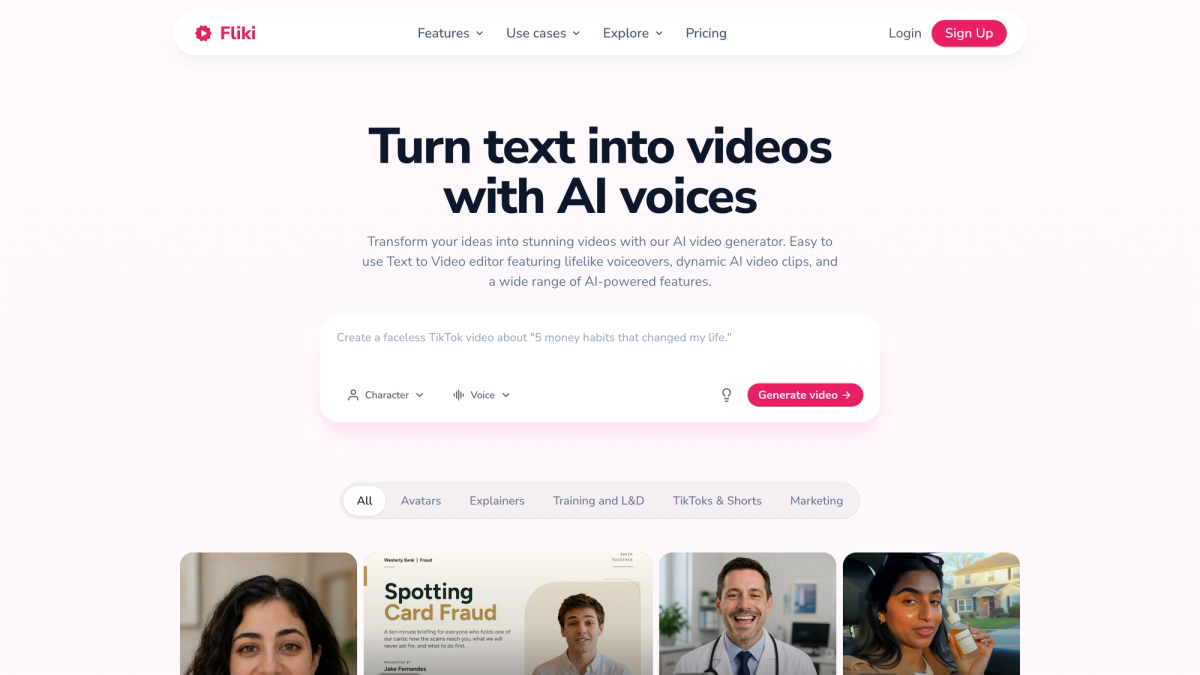
Fliki converts a written script into video with AI narration, breaking the script into scenes automatically and drawing images, clips and music from a built-in library. Around $29 a month.
Voices come in a wide spread of languages and accents, speech speed and emphasis are adjustable, and exports are formatted to YouTube's specs with aspect ratio switching for other platforms.
Strongest where the template doing the structural work is an advantage, which means short-form. The scene-per-line approach that makes a 60-second video feel brisk makes a 12-minute one feel like a slideshow.
6. Synthesia: built for avatar-led explainers
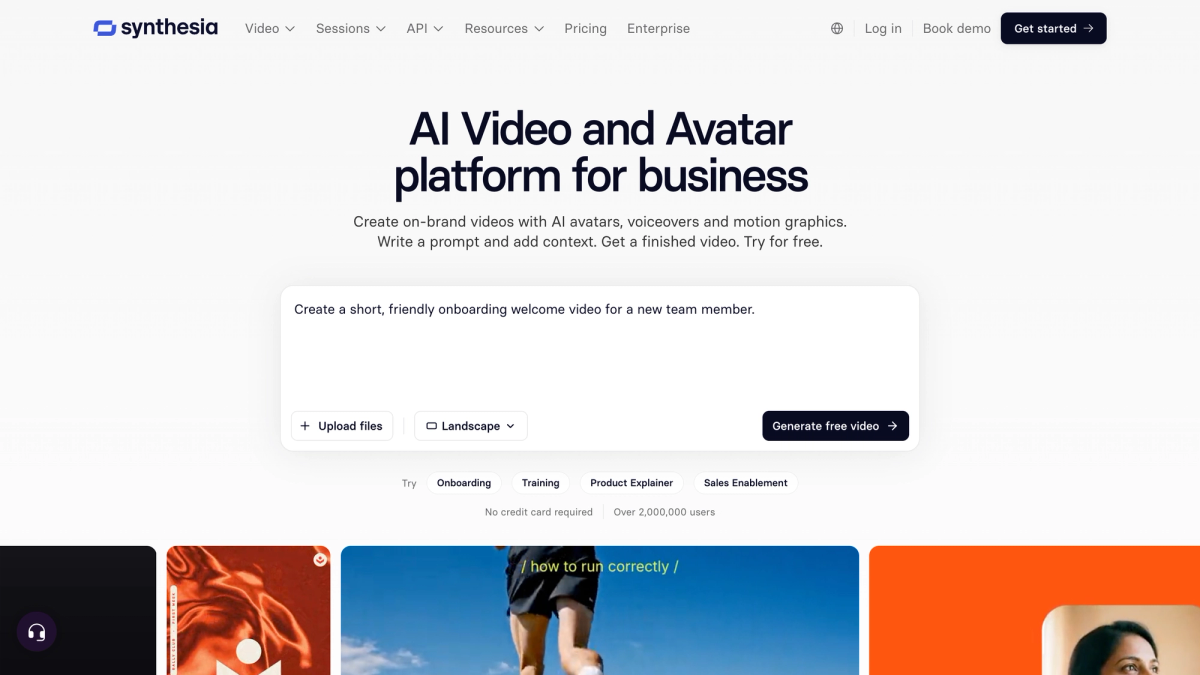
Synthesia puts a presenter on screen without anyone filming, with realistic avatars in a long list of languages. The Basic tier is free with 500 credits a month, Starter is $19 and Pro $89.
It is the strongest option on this page for explainer and training content, where a person delivering information is the format.
For narrative channels the avatar is the constraint rather than the feature, since the presenter is the visual and the story has nowhere to be shown.
7. Canva: good for thumbnails and packaging
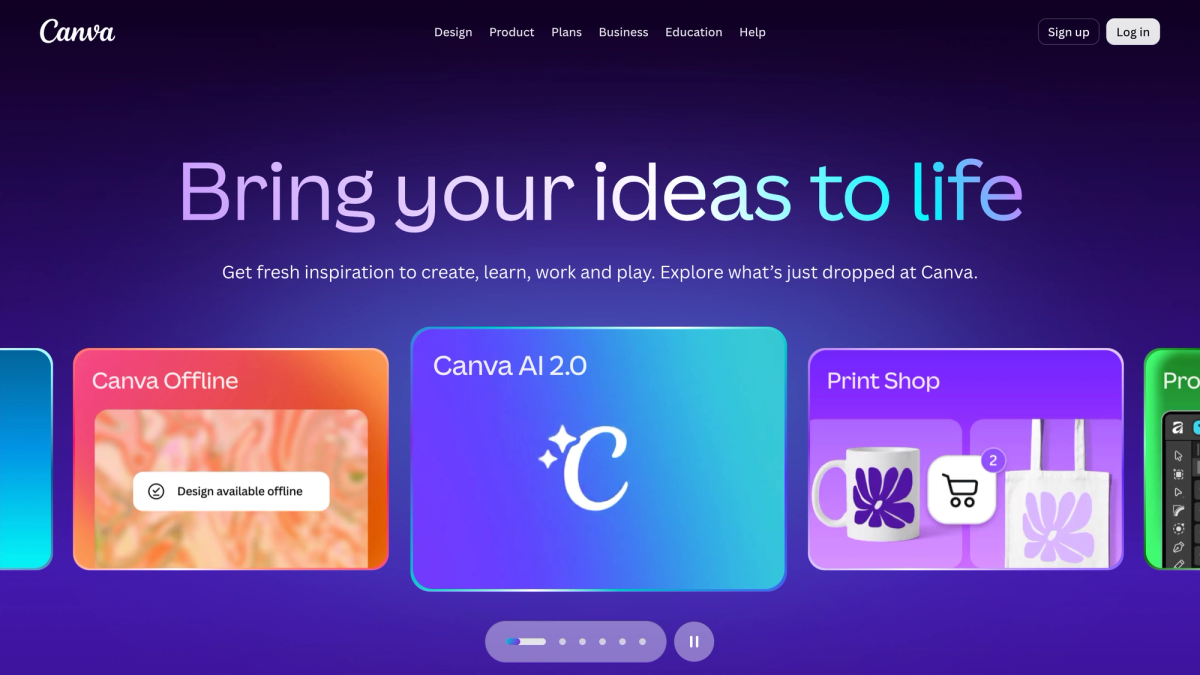
Canva covers the last stage, with faceless video templates and the thumbnail tools most creators end up using. Free to start, with a paid tier around $15 a month.
Thumbnails are worth doing by hand for longer than feels reasonable. They decide the click, and a generated thumbnail that looks generated costs you the view before anyone sees the video.
Where these tools break down
Every tool above has a failure mode, and knowing them up front saves a month of wasted credits.
Script generators sound like script generators. Tools trained on viral frameworks hand you the framework, so your hook is everyone's hook. Standard models without strict prompting fall into patterns viewers now recognise immediately.
Voice tools bill for the takes you throw away. Per-attempt pricing means a pronunciation problem costs credits to fix, and long scripts are where voices drift.
Stock assemblers fetch the wrong footage. Automatic matching gets close rather than right on specialist topics, and correcting it manually is the single biggest time cost in this workflow.
Image tools drift between generations. Style and character slip across separate generation cycles, and small details like text and texture warp. On a channel that is a branding problem, because a recognisable look is what earns the second click.
And the one that costs channels their monetisation. Because production is now nearly free, thousands of channels upload the same stock footage over the same AI voice. Audiences recognise it in seconds and leave, retention falls, and distribution follows. A library every creator draws from is also, by definition, material that is not unique to you, which is how a channel ends up flagged for reused content. YouTube's policy refuses content "made with generic or unoriginal templates giving the impression of mass production", and reused content is one of the two grounds on which faceless channels most often lose monetisation.
This is the problem LongStories.ai is built around. Its script to video output generates the characters and the settings for your story rather than fetching them from a shared library, so there is nothing being reused and the cast holds its look from one episode to the next.
What a faceless channel actually costs per month
Add the stack up and the monthly number lands between $90 and $110 for most channels.
A realistic long-form setup is a script tool at around $20, ElevenLabs at $22, a video tool at $29 to $59, and Canva at $15. Four subscriptions before a single video earns anything.
Cost per finished video matters more, and two things inflate it:
Retries. Any tool that bills per generation attempt charges you for the takes you throw away. A clip-based workflow producing a 10-minute episode runs 40 to 75 separate generations, and at a realistic retry rate that is closer to 100. Every one of them is billed, and every one needs its reference images re-attached.
Credits that expire. InVideo's unused credits do not roll over month to month, so an uneven production schedule means paying for capacity you never use. LongStories.ai credits roll over, which is worth more than it sounds when output comes in bursts.
Generating a 10-minute episode in one pass bills once. That is why entry price and running cost point in opposite directions on this list.
Watch time, retention and the numbers YouTube actually pays on
Monetisation turns on watch time, and faceless channels lose it in predictable places.
The YouTube Partner Program needs 1,000 subscribers plus either 4,000 valid public watch hours in 12 months or 10 million Shorts views in 90 days. After that, RPM is what you earn per thousand views, and it swings hard by niche and by where your audience lives, which is why revenue calculators averaging global CPMs overstate what most channels take home. Long-form is where the ad money sits, because videos over 8 minutes can carry mid-roll breaks. That threshold is why so much faceless content runs to 8 or 10 minutes.
Retention is what the algorithm reads, and three things cost it: a generated hook that sounds generated, stock footage recycled across a 10-minute video, and characters or settings that change between scenes, which viewers register as a mistake even when they cannot name it.
Chapters, end screens and playlists all help by moving people to the next video rather than out of the session, which is where a series beats unrelated uploads. It is also why LongStories.ai builds around episodes: a finished video carries a Next episode button, with the cast and world already in place for it.
Licensing and disclosure
Stock libraries bundled with a video tool are cleared for commercial use, which is most of why people pay for them, and several tools watermark free-tier output, which rules it out for ads. Voice needs its own commercial licence: ElevenLabs' free tier does not include one, and it starts at $6 a month. Disclosure is narrower than assumed, since YouTube wants a "made with AI" label only on content that seems realistic, so a fully animated cartoon generally needs none.
Running more than one faceless channel
Once you are posting to two or three channels, the bottleneck stops being video quality and becomes repetition.
Each channel needs its own look, voice and cast, or they blur together and the audience notices. Done manually that means a folder of reference images per channel, re-fed every session.
Three things matter when choosing tools for this:
- Per-channel identity that persists. Something that stores a channel's characters, style and rules once rather than asking you to re-upload them each video. LongStories.ai calls these Universes, and a new episode inside one inherits the cast, the world and the art direction automatically.
- Scheduling that runs ahead of you. Queue weeks of uploads rather than publishing manually each time.
- API access once volume is real. LongStories.ai opens this on the Creator plan at $99 a month, which is where programmatic creation starts to pay for itself.
The quieter consideration is the monetisation one. Running five channels off a shared template library is exactly the pattern YouTube's policy is written against, and what it takes to monetize an AI character channel covers where the line sits. Original characters and an original world are the cleanest way to stay on the right side of it, because no other channel can produce them.
Starting your first faceless channel
Start with two tools, not seven.
The common mistake is buying the whole stack in week one and discovering most of it goes unused, because the real constraint was deciding what the channel is about. A workable minimum is a script tool, where ChatGPT's free tier is enough to test whether your niche has anything to say, and a video tool, which is where the money goes.
Format decides that second choice. For Shorts, a vertical-first assembler like Fliki or InVideo is the cheaper fit, and InVideo's $9 Basic plan is the lowest entry point here. For long-form, pick something built for it, because tools designed around 60-second clips tend to break on 8 to 30 minute scripts, which is the length where mid-roll ads actually pay.
If the plan is a series rather than one-off videos, the choice narrows again, because what you want is to build a cast you reuse across episodes instead of rebuilding characters every time. LongStories.ai is free to sign up for and includes 200 credits for building characters and scripts, so a cast can exist before any plan is paid for.
Add the voice tool, the thumbnail tool and the analytics tool after five published videos, when you know what is actually slowing you down.
Frequently asked questions
What is the cheapest AI tool for faceless YouTube videos?
InVideo's Basic plan at $9 a month is the lowest paid entry on this list, and ChatGPT, Synthesia and Canva all have free tiers you can start on. The caution is that cheapest per month and cheapest per finished video are different numbers. Tools that bill per generation attempt charge you for every retry, so a $6 plan can cost more across a month of real production than a flat one.
What is the best AI tool for faceless YouTube Shorts?
For Shorts specifically, a vertical-first assembler is the right shape: Fliki or InVideo both handle 9:16 output, scene-splitting and captions without extra work. Shorts are where template-driven tools are at their strongest, because the format is short enough that the template does not become visible.
Do faceless channels get monetised on YouTube?
Yes. AI-generated content is not banned, and the policy explicitly permits using AI to visualise a unique character and narrative you invented. What it refuses is content made with generic or unoriginal templates that gives the impression of mass production. Thresholds are 1,000 subscribers plus either 4,000 watch hours in 12 months or 10 million Shorts views in 90 days.
What is the best AI tool for a faceless channel that posts a series?
LongStories.ai, because a series needs the cast to survive past the video it was created in, which is a different requirement from making one good video. Its Universes store the characters, the style and the world rules outside any single project, so episode two starts from episode one instead of from a blank template.
LongStories is constantly evolving as it finds its product-market fit. Features, pricing, and offerings are continuously being refined and updated. The information in this blog post reflects our understanding at the time of writing. Please always check LongStories.ai for the latest information about our products, features, and pricing, or contact us directly for the most current details.