
5 Best AI Kids Story Video Generators in 2026 (Honest Review)

Creating a kids story video used to require a full production team. Today, AI tools can handle scripting, narration, animation, and export, but not all of them are built for children's content.
This review cuts through the noise to help you find the best AI kids story video generator for your specific needs.
1. LongStories.ai, Best All-in-One AI Kids Story Video Generator
LongStories.ai is the only tool on this list built specifically for long-form, narrative-driven AI video. While most competitors stitch together stock footage or rely on slide-based templates, LongStories.ai generates original animation from scratch, which makes a significant difference when you're producing children's content that demands visual consistency and a distinct artistic style.

Truly Generative Animation
The core differentiator is that LongStories.ai creates actual animated video, not a slideshow of AI images with a voiceover layered on top. Characters remain visually consistent from scene to scene, a critical requirement for kids story content where the same protagonist needs to look identical whether they're in a forest, a castle, or a spaceship.
You can explore the full scope of what the platform produces on the AI Kids Video Generator page, which showcases the range of generative animation styles available.
Animation Styles Built for Children's Content
LongStories.ai supports multiple animation styles suited to different kids content formats:
- Cartoon, classic, expressive, and broadly appealing to young audiences
- Anime, suited for older children and teen-adjacent storytelling
- Pixar 3D, premium feel with depth and cinematic polish
- Watercolor, soft and storybook-appropriate for younger children
- Comic, graphic novel aesthetic for adventure narratives
This flexibility allows creators to match the visual identity of their channel or series without switching tools.
Built-In Story and Narration Generation
LongStories.ai includes an AI story generator that writes age-appropriate scripts, and pairs them with child-friendly voiceovers. You're not assembling pieces from different platforms, the entire pipeline lives in one workspace, from prompt to published video.
Platform-Ready Export
Native export formats are optimized for YouTube (horizontal), TikTok (vertical), and Instagram Reels. This matters because resizing and reformatting video after production is a time-consuming bottleneck that LongStories.ai eliminates entirely.
You can also find additional workflow guidance in the faceless YouTube video production guide and the long-form AI video tools overview on the LongStories blog.
Pricing
LongStories.ai offers a free plan for trying the platform (1 video total, 200 credits). Paid plans start at $59/month (Pro), scaling through Creator at $99/month, Creator Max at $199/month, Studio at $299/month, and Studio Max at $499/month.
For a fully automated kids video production workflow, the value proposition is strong, particularly compared to piecing together multiple tools to achieve similar results.
2. Magic Hour AI
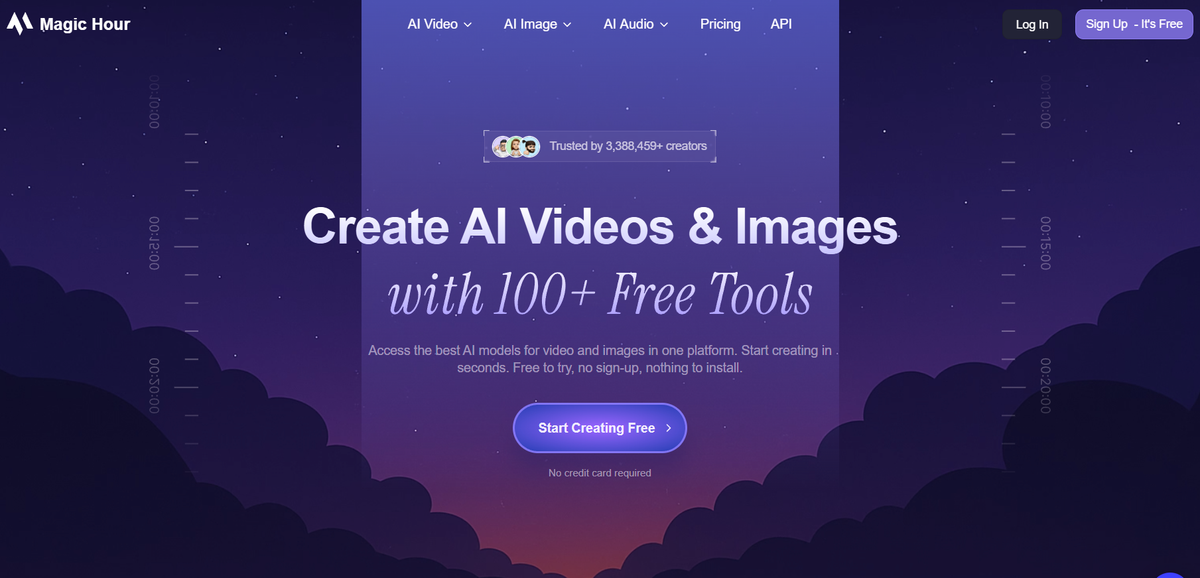
Image to video is where Magic Hour genuinely stands out among AI video tools. Rather than generating characters from scratch, it sequences multiple scenes into a connected 60-second timeline, keeping the look and visual identity consistent from shot to shot — a workflow that suits kids content creators who already have illustrated artwork and want to animate it without rebuilding assets from scratch.
Magic Hour provides access to several leading generation models in one place — Seedance, Kling 2.5 Turbo, Veo 3.1, and Sora 2 — letting creators pick the right trade-off between quality, speed, and cost for each clip. Start and end frame controls reduce jump cuts between scenes, which is particularly useful when maintaining a consistent character across a longer narrative arc.
For creators who want to apply a specific aesthetic to existing footage, Magic Hour supports over 400 video-to-video style treatments, including Anime, Cartoon, and Watercolor. These can be layered onto source material to produce a kids-appropriate visual tone without sourcing new assets.
3. Canva AI Video, Best for Custom Design Control
Canva is a familiar name for designers and social media creators, and its AI capabilities have expanded considerably in 2026. The platform allows users to build slide-based video projects using AI-generated images, drag-and-drop design elements, and branded templates.
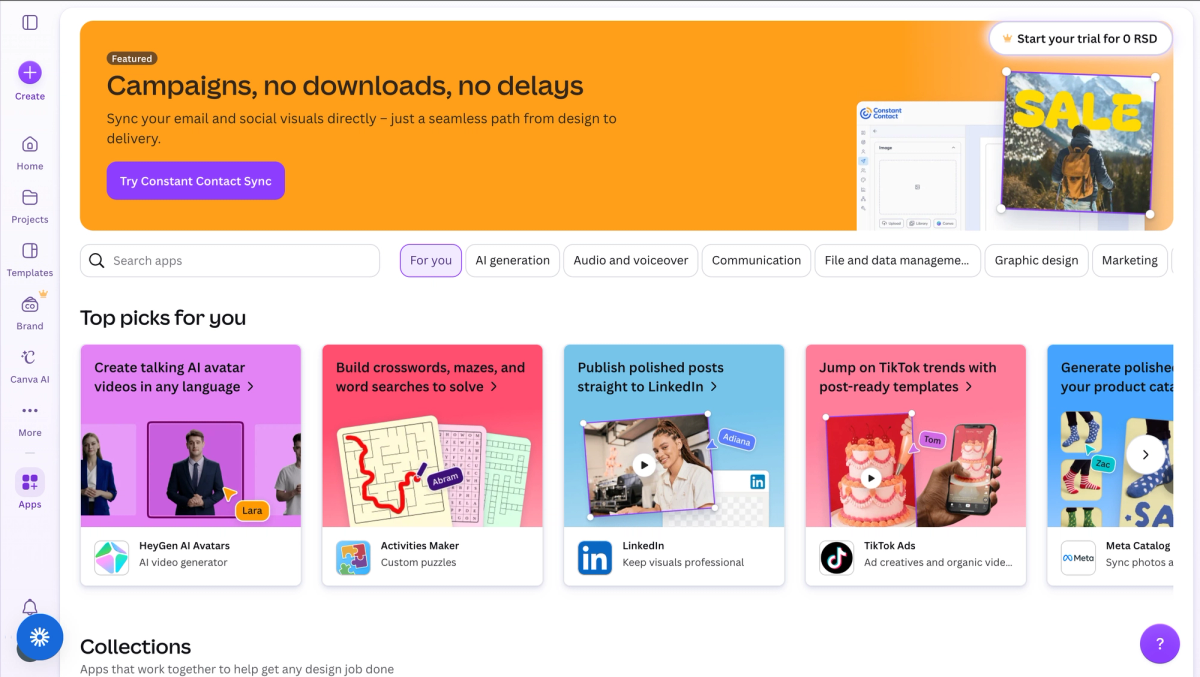
For creators who want precise control over layout and visual branding, Canva delivers. However, it is not purpose-built for kids story video production. There is no automated story generator, no pipeline for child-appropriate narration, and no option for consistent animated characters across scenes. Each slide must be manually assembled, and audio syncing is a manual process.
Canva Pro is priced at $120/year (approximately $10/month on an annual plan) or $18/month when billed monthly. It is a capable design tool, but it requires significant manual effort to produce anything resembling an animated children's story.
4. Pictory AI, Best for Repurposing Existing Text Content
Pictory AI is designed for one core use case: converting written content, blog posts, scripts, articles, into stock footage videos with captions and AI voices. It does this well for adult content marketing, corporate explainers, and news-style summaries.
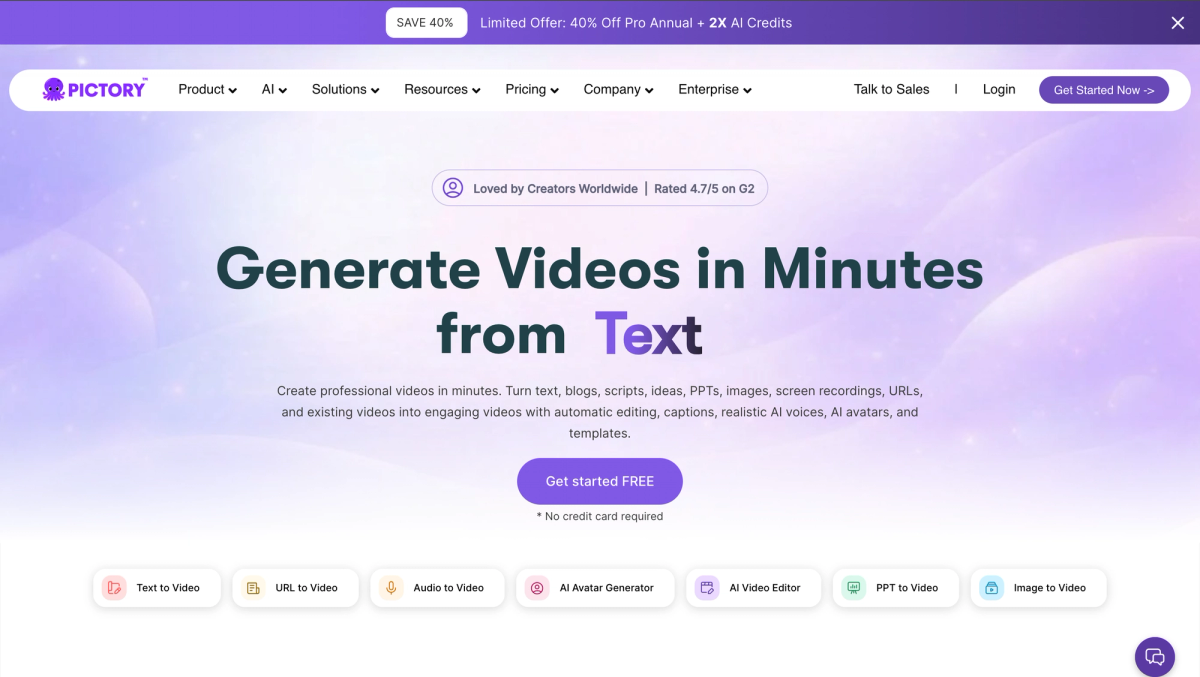
For kids story content, Pictory falls short in two key areas. First, its video output relies entirely on stock footage libraries, meaning illustrated or animated children's aesthetics are simply not possible. Second, its AI voices are not calibrated for child-appropriate storytelling, the tone and cadence do not match what young audiences expect.
Pictory pricing runs from $25/month to $119/month on annual billing. According to Pictory's official pricing page, plans are structured around video minutes rather than video count, which suits high-volume text repurposing workflows but adds little value for kids content creators.
5. HeyGen, Best for Talking Avatar Presentations
HeyGen specializes in photorealistic AI avatar videos, a presenter appears on screen, delivering a script in a natural, human-like manner. It is a leading tool for corporate training videos, product demos, and marketing content where a talking-head format is appropriate.
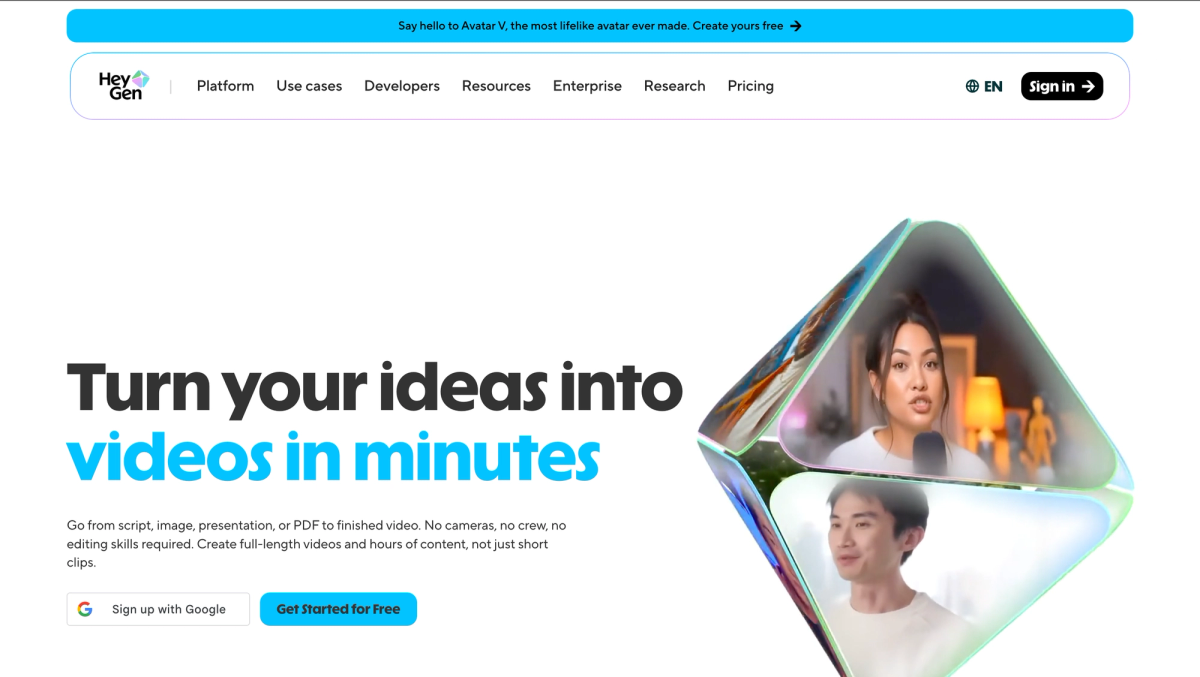
This format is fundamentally incompatible with children's story content. Kids content relies on illustrated characters, narrative scenes, and imaginative visuals, not a photorealistic adult avatar speaking to camera. HeyGen offers no animation styles, no kids voice options, and no story generation pipeline.
HeyGen's Creator plan starts at $29/month, with the Team plan at $89/month per seat. It is an excellent tool in its category, but that category does not include AI kids story video generation.
6. CapCut AI, Best Free Option for Manual Assembly
CapCut is a video editing platform with a strong AI feature set: automatic captions, background removal, smart cut detection, and text-to-speech. For creators already embedded in the CapCut ecosystem, particularly those producing content for TikTok, it offers a cost-effective editing workflow.

However, CapCut has no automated kids story pipeline. Producing a children's story video requires manually sourcing or generating images, importing them into the editor, syncing audio by hand, and adding captions individually. The AI features assist with editing tasks, but the creative and structural work remains entirely manual.
CapCut's free plan covers basic editing. Paid plans start at approximately $9.99/month (Standard) and $19.99/month (Pro). It is best suited to experienced editors who already have assets ready and want AI to accelerate the finishing process, not to creators looking for an end-to-end kids story solution.
Side-by-Side Comparison
| Tool | Original Animation | Child Voices | One-Click Export | Starting Price |
|---|---|---|---|---|
| LongStories.ai | Yes | Yes | Yes | $12 credit pack |
| Magic Hour | Yes | No | Yes | $19/month |
| Canva AI Video | No (slide-based) | No | Partial | ~$10/month (annual) |
| Pictory AI | No (stock footage) | No | Yes | $25/month |
| HeyGen | No (avatars only) | No | Yes | $29/month |
| CapCut AI | No (manual assembly) | Limited | No | $9.99/month |
LongStories.ai is the only tool in this comparison that delivers all three core requirements for professional kids story video: original generative animation, child-appropriate narration, and platform-ready export in a single workflow.
Frequently Asked Questions
What is the best AI tool for kids story videos?
LongStories.ai is the strongest all-in-one option in 2026. It combines generative animation, consistent characters, child-appropriate AI voices, and platform-specific export into a single pipeline, without requiring manual assembly or external tools.
Can these tools auto-generate YouTube-ready kids videos?
Only LongStories.ai fully automates the process from story prompt to YouTube-ready video. Other tools, including Canva, Pictory, and CapCut, require manual steps for scripting, audio syncing, or format conversion.
How much do AI kids story video generators typically cost?
Entry-level plans across these tools range from free (CapCut) to $29/month (HeyGen Creator). LongStories.ai starts at approximately $9.99/month, making it competitively priced relative to the breadth of features it includes. More capable tiers with higher video output limits range from $25 to $99/month across the category.
Which animation styles work best for children's content?
According to research on children's media engagement, visual consistency and age-appropriate aesthetics are the most important factors in sustaining young viewers' attention. Cartoon and Watercolor styles tend to perform best for ages 2–7, while Pixar 3D and Anime styles resonate with older children aged 8–12. Comic-style animation works well for adventure and action-oriented narratives across age groups.
Conclusion
If you need a true all-in-one solution for producing children's story videos, LongStories.ai is the clear choice in 2026. It is the only platform that combines generative animation, narrative consistency, child-appropriate voices, and multi-platform export without requiring you to piece together a manual workflow from separate tools.
For creators with specific niche needs, repurposing existing scripts, producing corporate-style presentations, or editing pre-built assets, Canva, Pictory, HeyGen, or CapCut may serve a supporting role. But for anyone building a kids content channel from the ground up, start with LongStories.ai and evaluate from there.
LongStories is constantly evolving as it finds its product-market fit. Features, pricing, and offerings are continuously being refined and updated. The information in this blog post reflects our understanding at the time of writing. Please always check LongStories.ai for the latest information about our products, features, and pricing, or contact us directly for the most current details.