
Complete Guide: 2D Animation Basics and Workflow
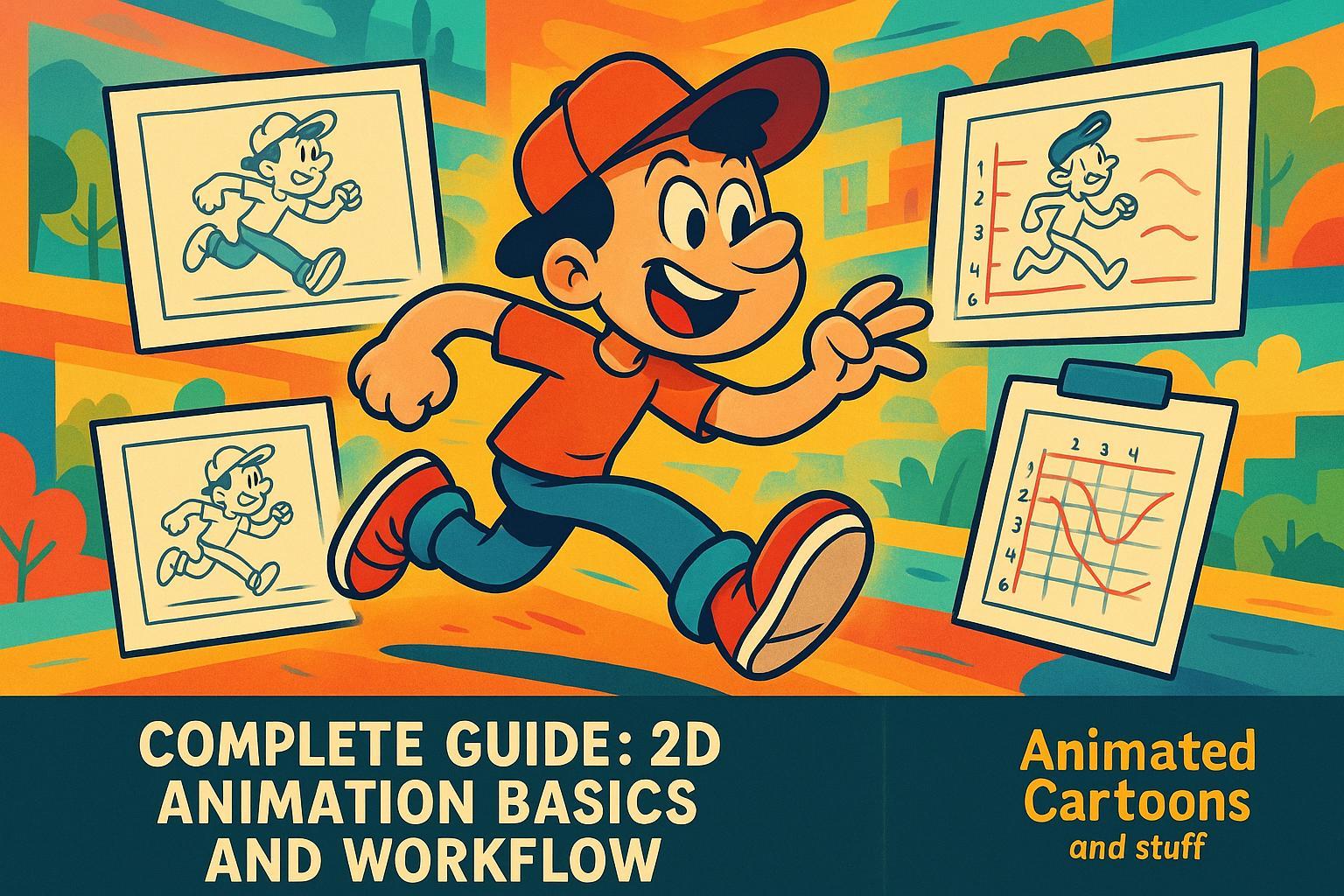
Animation has the power to bring drawings to life, transforming still images into vibrant, dynamic stories. Whether you're an aspiring animator or a content creator eager to explore the world of 2D animation, this guide provides the foundational knowledge and insights to help you get started. Learn key principles of animation, step-by-step workflows, and practical tips that will save you time while ensuring your animations look polished and professional.
Let's dive into the world of 2D animation, breaking down its core concepts and workflows step by step.
The Basics: What Makes Animation Come to Life?
Animation is more than just moving drawings. It's about creating the illusion of life by understanding and applying certain principles. At the heart of effective animation are the 12 Principles of Animation, which define how objects and characters move naturally. While all 12 principles are crucial, here are a few foundational ones to focus on as you begin:
1. Timing and Spacing
Timing determines how long a drawing stays on the screen, while spacing involves the placement of drawings between frames. These two concepts work together to create motion that feels natural or stylized based on your goals.
-
Frames Per Second (FPS): Animation uses frame rates such as 12 FPS (frames per second) or 24 FPS.
- 12 FPS: A slightly choppier but efficient style, often used for simpler animations.
- 24 FPS: Smoother motion, but more labor-intensive.
-
Drawing on 1s, 2s, or 3s:
- 1s: A new drawing every frame, ideal for fast action.
- 2s and 3s: Drawings last for 2 or 3 frames, providing a more relaxed pace.
- Combining these techniques creates animations that feel dynamic and fluid.
Pro Tip: Use spacing creatively. Drawings closer together indicate slower movement, while those spaced farther apart convey speed. If you want to push smoothness even further without redrawing every frame, explore AI frame interpolation to automatically generate in-between frames.
2. Squash and Stretch
This principle adds elasticity and weight to your animations. For example, when animating a bouncing ball:
- The ball squashes when it hits the ground but stretches as it ascends.
- The object's overall volume remains consistent, balancing realism with exaggeration.
Want to convey different materials? Squash and stretch can differentiate a stiff object like a basketball from a flexible one like a rubber ball.
3. Anticipation and Overshoot
Anticipation prepares the viewer for action, like a character crouching before jumping. Overshoot, on the other hand, extends the action, such as a character leaning forward after landing. These elements add weight, tension, and natural flow to animations.
4. Arcs
Most natural movements follow curved trajectories, or arcs. For instance, when a person waves their hand or picks up an object, their motion follows a subtle curve. Linear, straight movements often feel mechanical - ideal for robots but not for organic characters.
Step-by-Step Workflow for Creating 2D Animations
Once you understand the principles, it's time to dive into the animation process. Think of it like building a house: you need a solid blueprint before constructing the final masterpiece. Below is a streamlined workflow used by many animators:
1. Start with a Storyboard
A storyboard is a visual outline of your animation, laying out the key scenes and actions in rough sketches. The goal isn't perfection but clarity - capture the essence of your story without worrying about detail. If you're creating an animated series or longer narrative, pairing your storyboard with a solid long-form video storytelling framework will help you structure scenes and pacing from the start.
- Pro Tip: Keep thumbnails simple and adaptable. Animation is fluid, and your vision may evolve as you progress.
2. Create an Animatic
Turn your storyboard into an animatic, essentially a video version of your storyboard. This step helps you set the timing of scenes, synchronize visuals with audio, and refine pacing. Animatics bring your still frames to life and act as a blueprint for the animation process.
3. Rough Animation: Focus on Key Frames
Key frames are the backbone of your animation, capturing the most critical poses that define an action. For example, if a character jumps, the key frames might include:
- The starting pose.
- The highest point of the jump.
- The landing pose.
At this stage, rough shapes and stick figures are your best friends - they save time while ensuring the movement feels natural.
Pose to Pose vs. Straight Ahead Animation:
- Pose to Pose: Ideal for structured movements like character actions, focusing on key frames first.
- Straight Ahead: Best for organic, unpredictable animations like smoke or fire, where each frame flows into the next.
4. Refine with Extremes and Breakdowns
- Extremes: Add exaggeration, like squashing a ball at impact or stretching it during fast motion.
- Breakdowns: Transition drawings between key frames, adding subtle nuances that enhance personality and fluidity.
Pro Tip: Use onion skin tools (available in software) to see previous and next frames for better consistency.
5. Tie Downs and Clean-Up
After completing the rough animation, it's time to refine your lines and add character details like clothing or accessories. This step, known as tie downs, bridges the gap between rough sketches and polished animation.
Once you're satisfied with the tie downs, move to clean-up, where you create smooth line work for every frame.
Heads-Up: This stage is time-consuming but essential for high-quality results.
6. Add Color and Final Touches
Finally, bring your animation to life with color. Fill each frame using tools like the paint bucket, ensuring lines are closed to prevent errors.
Bonus Tips for Aspiring Animators
- Onion Skin Tools: Use them sparingly to view previous/future drawings, but trust your intuition for spacing and movement.
- Keep It Simple: Don't overcomplicate your first animations. Focus on getting the basics right.
- Practice Timing and Spacing: Experiment with different FPS and spacing approaches to find what works best for your style.
- Break Down Complex Actions: Simplify difficult movements into manageable key poses.
Key Takeaways
- Master Timing and Spacing: Understand how FPS and spacing influence animation speed and fluidity.
- Use Principles Like Squash and Stretch: Add personality and weight to your animations by exaggerating movement.
- Build a Strong Foundation: Start with a storyboard, then refine with animatics and rough animation.
- Experiment with Key Frames and Extremes: Focus on defining poses to shape an action effectively.
- Clean-Up is Key: Though tedious, polishing your frames ensures professional-quality results.
- Practice Makes Perfect: Animation is a skill that improves with time, experimentation, and patience.
Final Thoughts
Animation may seem daunting at first, but with the right tools and approach, anyone can bring their ideas to life. By focusing on foundational principles like timing, spacing, and squash and stretch, and following a structured workflow, you'll be well on your way to creating impactful animations. Before you start animating, it also helps to have your project locked in — a good story title generator can help you nail down your concept and set the right tone before you draw a single frame.
Remember, every great animator starts somewhere. Begin with the basics, embrace the rough stages, and let your creativity guide you. Who knows? Your animations could inspire others to take their first steps in this exciting art form.
Related posts
LongStories is constantly evolving as it finds its product-market fit. Features, pricing, and offerings are continuously being refined and updated. The information in this blog post reflects our understanding at the time of writing. Please always check LongStories.ai for the latest information about our products, features, and pricing, or contact us directly for the most current details.