
Text to Animation Concept Planner
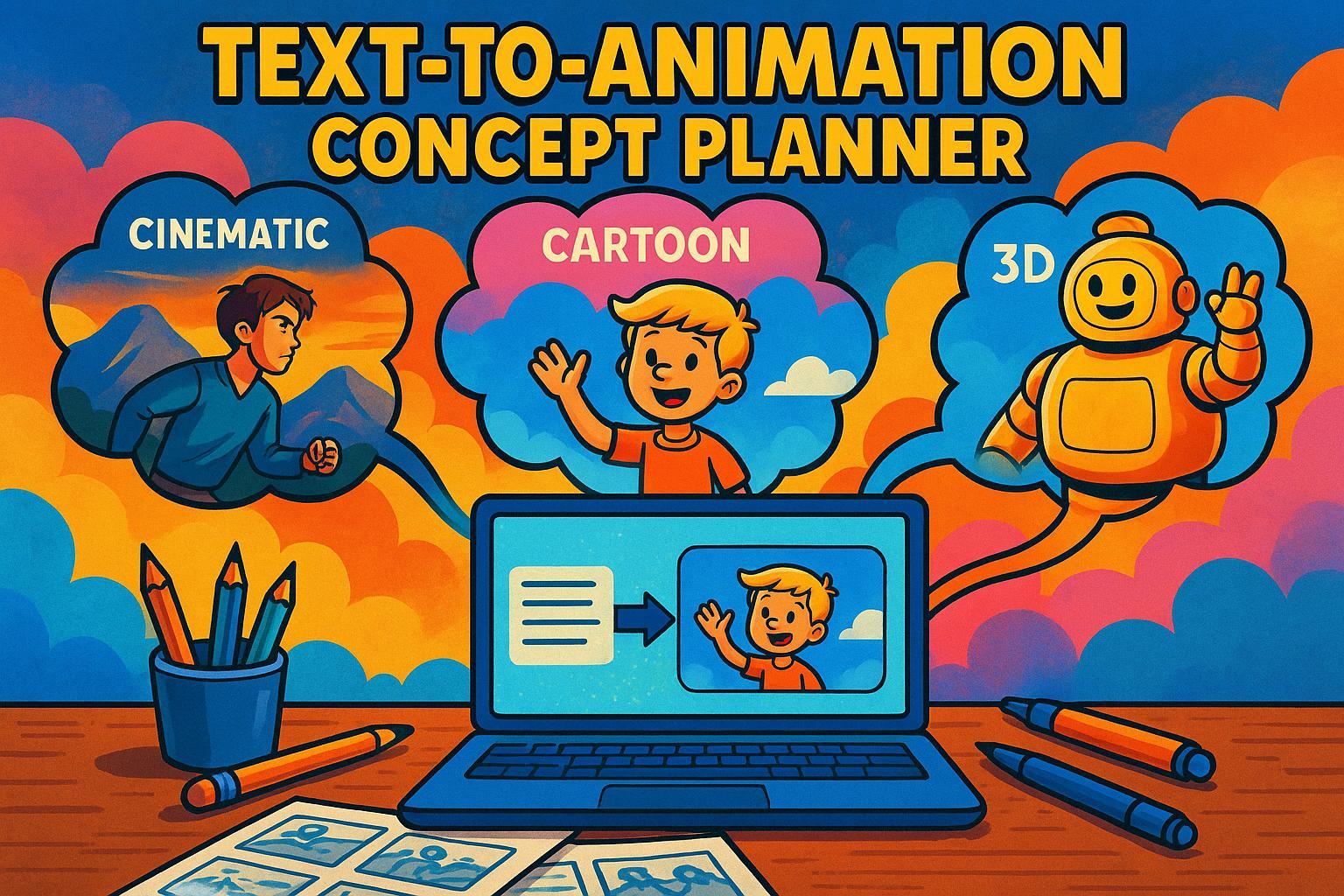
Turn Your Words into Visual Stories with a Text to Animation Planner
Ever wondered how your written story could leap off the page as a captivating animation? With a tool like the Text to Animation Concept Planner, it’s easier than ever to bridge that gap. This innovative web-based solution takes your short text—be it a snippet of dialogue or a descriptive passage—and transforms it into a structured animation idea, complete with scene breakdowns and style-specific visuals.
Why Visualize Your Text as Animation?
Animation has a unique power to bring narratives to life, whether through whimsical 2D cartoons or gritty 3D worlds. But getting started can feel daunting without a clear plan. That’s where a concept generator steps in, helping writers and creators map out their vision. You simply input your text, pick a style that fits your vibe, and get a roadmap of scenes that capture the heart of your story. It’s perfect for pitching ideas, planning projects, or just exploring creative possibilities.
Start Creating Today
No matter if you’re a seasoned animator or a curious storyteller, tools that convert text into visual concepts can spark inspiration. Try it out and watch your words take shape in ways you never imagined!
FAQs
What kind of text works best for this animation planner?
Honestly, any short narrative or descriptive text works great—think short stories, scripts, or even a vivid paragraph from a novel. The tool shines when your text has clear actions, emotions, or settings to pull from. If it’s too abstract or lacks detail, the scene breakdown might feel a bit generic. Keep it under 200 words, and you’ll get the best results. I’ve seen users throw in everything from fairy tales to sci-fi snippets, and it usually nails the vibe.
Can I tweak the animation style after seeing the concept?
Right now, the tool generates a concept based on the style you pick upfront—2D cartoon, 3D realistic, or stop-motion. If you want to see how it looks in another style, just run it again with a different selection. It’s quick, so playing around with options won’t slow you down. The descriptions adapt to match the style, so a 2D cartoon might emphasize quirky expressions while 3D realistic focuses on detailed textures. Give it a shot both ways!
Is this tool suitable for professional animators?
Absolutely, though it’s more of a starting point than a final blueprint. Pros can use it to kick off brainstorming or get a fresh perspective on a script. It’s especially handy for quickly visualizing how a piece of text might translate into scenes. That said, you’ll likely want to build on the output with your own expertise—think of it as a creative spark. I’ve talked to animators who’ve used it to pitch ideas to clients, and they loved how it streamlined the early concept phase.
LongStories is constantly evolving as it finds its product-market fit. Features, pricing, and offerings are continuously being refined and updated. The information in this blog post reflects our understanding at the time of writing. Please always check LongStories.ai for the latest information about our products, features, and pricing, or contact us directly for the most current details.