
5 InVideo Alternatives When You're Ready to Make More Than Social Clips

InVideo is genuinely good at what it does. If you need reels, short marketing clips, or faceless YouTube content assembled fast from a text prompt, it's one of the more capable tools for that job. The AI model access — Veo 3.1, Sora 2, Kling — is real, and the turnaround from prompt to exported video is fast.
The problem isn't InVideo. The problem is the ceiling.
At some point, making clips stops feeling like enough. You want to make a music video that actually goes somewhere. A YouTube channel with a visual identity that carries episode to episode. An educational video longer than 90 seconds that holds someone's attention. A series where the same character shows up in every video looking like themselves.
InVideo wasn't built for any of that. Its workflow is optimized for short-form assembly — pull footage, add captions, export. The longer or more ambitious the project, the more that model shows its limits. And the credit system, which burns faster the better the model, tends to run dry exactly when you're trying to do something bigger.
Here's what to use instead, depending on what you're actually trying to make.
Quick Comparison
| Tool | What It's For | Starting Price | Free Plan |
|---|---|---|---|
| LongStories.ai | Narrative & story-driven video up to 15 min | $59/mo | Yes (1 video) |
| Runway | Cinematic AI clips without the stock footage look | $15/mo | Yes (limited) |
| Descript | Editing recordings and long-form video from a transcript | $16/mo | Yes |
| HeyGen | Presenter/avatar video at scale | $29/mo | Yes (limited) |
| CapCut | Social video editing, free tier | Free / ~$9.99/mo | Yes |
Prices current at time of writing — verify before purchasing.
1. LongStories.ai — For When You Want to Tell a Real Story
InVideo can generate video from a prompt. What it can't do is maintain a world across that video — the same character from scene to scene, the same visual style from episode to episode, a narrative that builds rather than assembles.

LongStories is built specifically for that. Create a character once and it stays consistent throughout the video and across your entire series. Define a visual universe and it carries. Videos run up to 10 minutes on Pro or 15 minutes on Creator Max — long enough for something to actually happen.
This is the tool for musicians making narrative music videos, educators building a YouTube channel with a recognizable style, kids content creators who need consistent animated characters, and anyone building a series that should feel like a world rather than a playlist of clips.
What it does that InVideo doesn't:
- Consistent characters across scenes and across episodes
- Reusable visual universes — your world stays coherent video to video
- Videos up to 10 min (Pro) or 15 min (Creator Max) with no stock footage
- Built for series, not one-off clips
Who it's for: Creators who've hit the ceiling on short-form and want to build something with a visual identity — a channel, a series, a body of work.
Pricing:
- Free: 1 video, 200 credits, watermarked
- Pro: $59/mo — up to 10 min per video, 4,500 credits/month
- Creator: $99/mo — API access, 8,500 credits/month
- Creator Max: $199/mo — up to 15 min per video, 17,000 credits/month
Try it: longstories.ai/generate/long-ai-video-generator or longstories.ai/generate/ai-music-video-generator
2. Runway — For When You Want Cinematic AI, Not Stock Footage
Even with access to Veo 3.1 and Sora 2, InVideo's output still tends to look like stock footage because its workflow assembles clips rather than generating scenes. Runway does the opposite.

Runway generates video from text prompts or images using its own models. The output looks generated, not sourced — which means it can be stylized, cinematic, or surreal in a way that stock footage never is. Clips are short; Runway is a tool for creators who know how to edit, not a one-prompt-to-finished-video system. But if the stock footage montage look is what you've grown out of, Runway is the step up.
What it's good for: Music video shots, creative b-roll, experimental content, short-form where the visual quality needs to feel intentional rather than sourced.
Who it's for: Creators who edit their own footage and want better raw material to work with.
Pricing: Free (125 one-time credits). Standard: $15/mo. Pro: $35/mo. Verify current pricing at runwayml.com.
3. Descript — For When You're Editing Real Recordings
InVideo is built around generating video from scratch. Descript is built around editing video you already have — and the workflow is unlike anything else.

Instead of a traditional timeline, Descript lets you edit video by editing the transcript. You cut words from the text, the video cut happens automatically. Remove filler words in one click. Tighten silences, cut retakes, fix audio — all from the transcript. For podcasters, YouTubers, educators, and anyone who records themselves talking, it removes most of the friction that makes video editing slow.
It also has solid AI features for generating clips, writing show notes, translating and dubbing into 30+ languages, and creating AI avatars — but the core differentiator is the text-based editing workflow.
What it's good for: Editing podcast recordings, talking-head video, interviews, tutorials, webinars, and any long-form content that starts as a recording.
Who it's for: Podcasters and video creators who film themselves and want editing to be as fast as editing a document. Not for generating video from scratch.
Pricing: Free (60 min media, limited AI). Hobbyist: $16/mo (annual). Creator: $24/mo (annual). Verify current pricing at descript.com.
4. HeyGen — For When You Need a Presenter on Screen
InVideo has avatar features, but they're not its core product. If what you're actually trying to make is presenter-style video — a digital version of yourself talking to camera, a multilingual version of a course, a product demo with a spokesperson — HeyGen is the dedicated tool for that.

Create a digital avatar, write a script, and HeyGen produces a polished presenter video with voice cloning and 175+ language options. The quality gap versus InVideo's built-in avatar output is significant, and for educators or marketers who need to produce presenter video at scale without filming, it changes the workflow.
What it's good for: Presenter video without filming, multilingual content, course lessons, LinkedIn video, product explainers.
Who it's for: Educators, coaches, and marketers who need a consistent on-screen presenter across a lot of videos.
Pricing: Free (3 videos/month, 1-min max). Creator: $29/mo. Pro: $49/mo. Verify current pricing at heygen.com.
5. CapCut — For When You Want Social Video Editing, Free
If social clips are still what you're making — just without InVideo's credit constraints and template feel — CapCut is the most popular free alternative and genuinely good at the job.
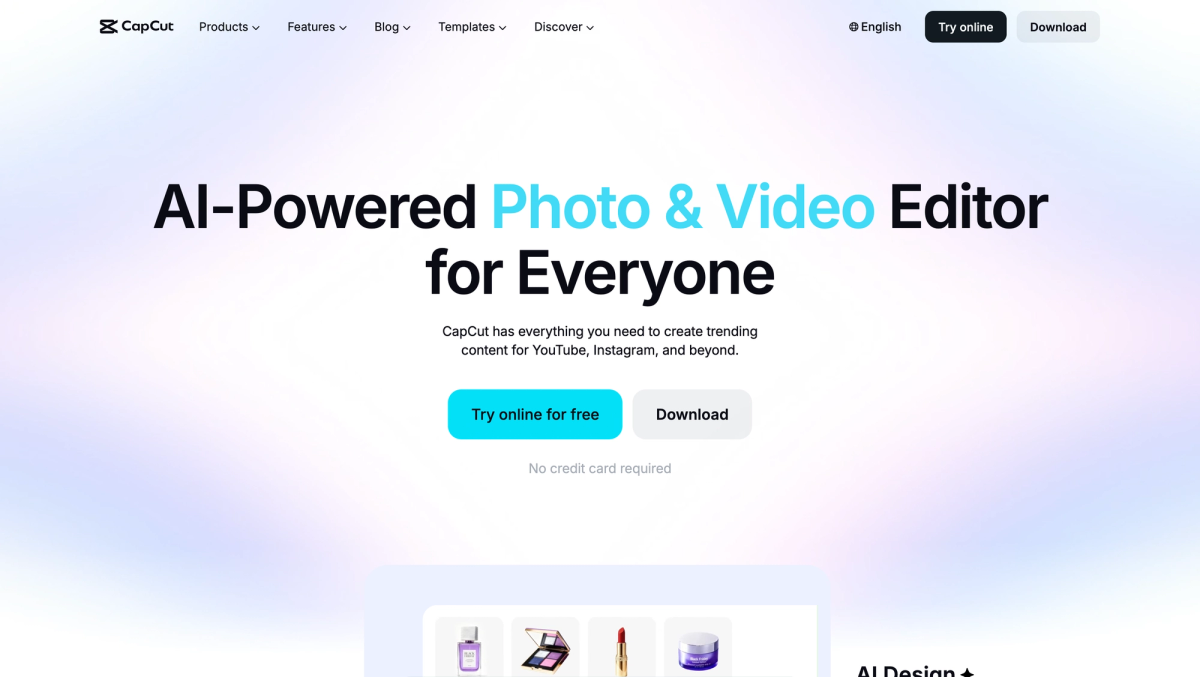
CapCut is a mobile-first editor with a solid web version, optimized for TikTok, Reels, and YouTube Shorts. Auto-captions, speed controls, AI background removal, and transitions are all built in. You're editing footage you already have, not generating from prompts. But for social video editing with no subscription required, it's the most capable free option out there.
What it's good for: Editing short social video, auto-captions for Reels and TikTok, creators who want to edit footage rather than generate it.
Who it's for: Social creators who want social-length output without a credit system or monthly fee.
Pricing: Free tier available. Standard (mobile only): ~$9.99/mo or $89.99/yr. Pro (mobile, desktop, and web): ~$19.99/mo or $179.99/yr. Pricing varies by region and promotions. Verify current pricing at capcut.com.
The Bottom Line
InVideo built something real — a fast, accessible pipeline from idea to short video, with a model stack most tools can't match. The credit system is frustrating and the output has a ceiling, but for social content at volume it's a legitimate tool.
The alternatives on this list aren't better versions of InVideo. They're different tools for different ambitions. LongStories is for creators who want to build a world and tell a story across it. Runway is for creators who care about the visual quality of individual shots. Descript is for people who already have recordings and want editing to feel less like work. HeyGen is for anyone who needs a polished presenter without a camera crew. CapCut is for social editing, free.
None of them replace InVideo for what InVideo does well. But if what you want to make has outgrown what InVideo can produce, one of them is probably the right next step.
What Are You Actually Trying to Make?
A series, a channel, or anything with consistent characters and a visual identity → LongStories.ai. Long-form narrative video where the same world persists across every video you make — the gap InVideo can't fill.
Video that looks cinematic, not assembled from stock footage → Runway. Generate clips rather than pull them from a library.
Editing recordings — podcasts, talking-head video, interviews → Descript. Edit from the transcript, not the timeline.
Presenter video with a polished avatar → HeyGen. Dedicated avatar tool, better quality than InVideo's built-in features.
Social video editing for free → CapCut. Free, mobile-first, strong for Reels and TikTok.
The pattern among creators who leave InVideo isn't that InVideo broke. It's that they started wanting to make something it was never designed for. Social clips are a starting point. The tools above are where you go when you want what comes next.
LongStories is constantly evolving as it finds its product-market fit. Features, pricing, and offerings are continuously being refined and updated. The information in this blog post reflects our understanding at the time of writing. Please always check LongStories.ai for the latest information about our products, features, and pricing, or contact us directly for the most current details.