
Create Kids Storybooks & Animated Videos Using Free AI
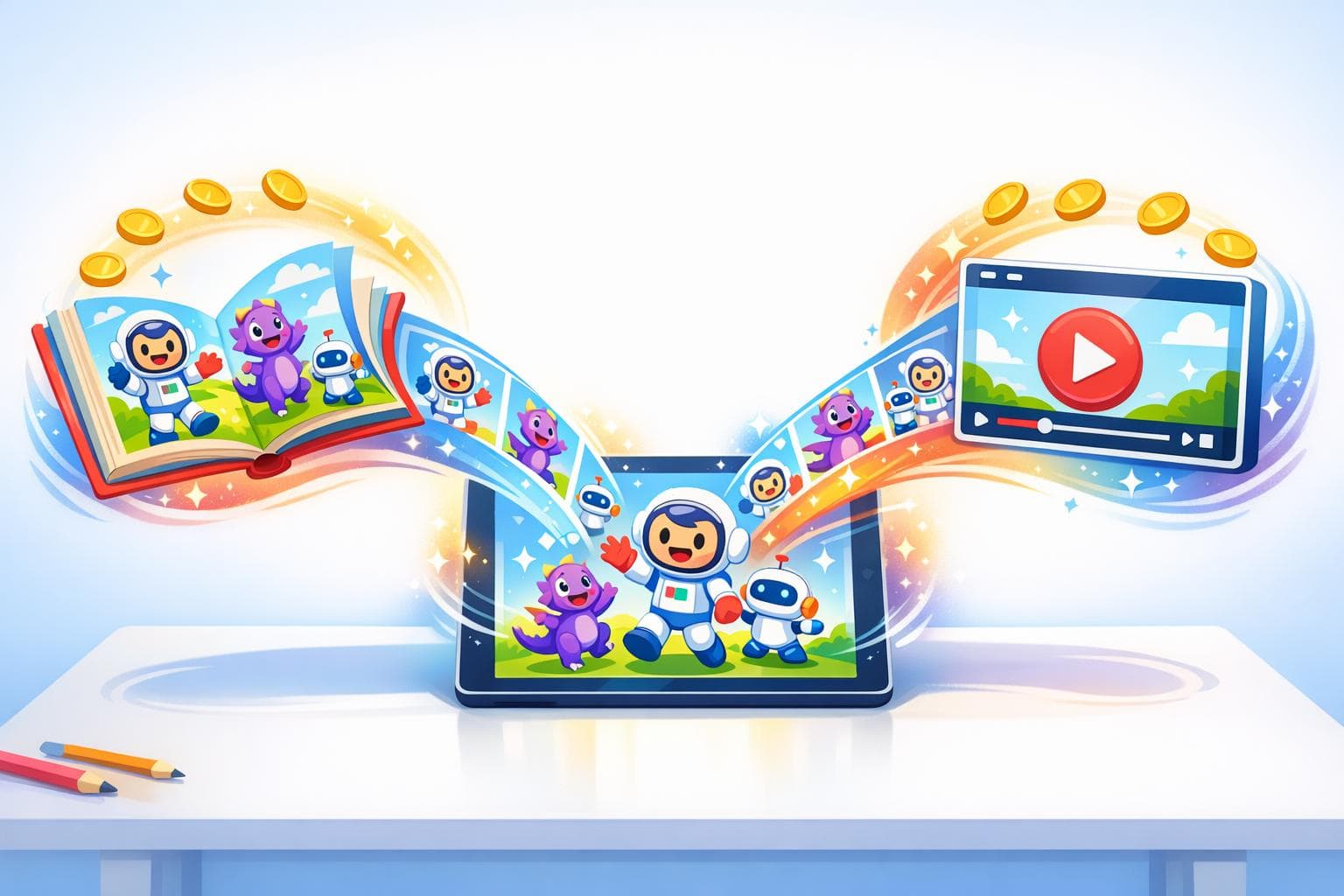
In the rapidly evolving digital landscape, producing high-quality, narrative-driven content is no longer reserved for those with big budgets and specialized teams. Thanks to the advancement of artificial intelligence, content creators can now harness powerful tools to create visually stunning animations, engaging storybooks, and cohesive characters - all at little to no cost. This transformative guide explores how to leverage a free AI platform to create kids' storybooks and animated videos, enabling creators to scale their productivity and monetize effectively without breaking the bank.
Why AI Is a Game-Changer for Content Creators
Creating animations or storybooks has traditionally required extensive resources - both time and money. From character design to animation and voiceovers, the process has often been riddled with bottlenecks. However, with AI-powered tools, creators now have the ability to:
- Simplify their workflows.
- Reduce production costs.
- Generate consistent, branded content effortlessly.
This article breaks down how you can use a free AI tool to produce kids' storybooks for platforms like Amazon KDP and animated videos for faceless YouTube channels, all without the need for technical expertise.
Step-by-Step Guide to Using AI for Storybooks and Animation
1. Getting Started: Signing Up for a Free AI Platform
The first step is to access the AI platform the video highlights. Start by visiting the website (name not specified in the video). The platform provides 1,500 free credits upon sign-up and additional daily credits for regular logins. Signing up is simple - use your Google account, no payment information required.
Once logged in, you’ll gain access to countless features, including:
- Story generators for creating unique narratives.
- Animation tools to bring characters to life.
- Character design capabilities for consistent branding.
2. Creating Storybooks for Kids
Step 1: Define Your Target Audience
Before generating a story, specify your target age group (e.g., ages 4–6, 7–9, or 9–12). Tailoring content based on age ensures it resonates with your intended viewers.
Step 2: Generate Story Ideas
The AI platform comes equipped with a brainstorm feature, allowing you to input a simple idea or concept. For example: "The day Linda met her best friend." The AI will generate detailed story ideas, giving you prompts you can build on.
Step 3: Create and Customize Characters
After finalizing the story, extract roles such as the main character, supporting characters, and others. Using the platform’s character generator, you can:
- Choose between anthropomorphic and non-anthropomorphic characters.
- Customize traits like gender, age, skin tone, hairstyle, and clothing.
- Maintain consistency for recurring characters across your content.
Step 4: Build the Storyboard
Once characters are ready, the AI generates a storyboard with visuals for individual story pages. You can review and fine-tune the storyboard to achieve the desired look and feel.
Step 5: Add Voiceovers and Sound Effects
The tool allows you to assign different voices to each page, providing an immersive reading experience. Select from different voice types, such as warm, playful, or authoritative, to match your story’s tone.
Step 6: Finalize and Export the Ebook
After editing the text, visuals, and audio, preview the animated storybook. When satisfied, export it as a downloadable file. This file can be shared on e-commerce platforms like Amazon KDP or distributed through other channels.
3. Creating Animated Videos
Step 1: Transform the Storyboard into Animation
The AI tool seamlessly converts the generated storyboard into animated videos. Each page can be animated individually to create dynamic visuals.
Step 2: Select Animation Styles
Choose from a variety of styles, such as:
- Pixster Style: Vibrant and kid-friendly, ideal for younger audiences.
- Soft Glow Anime or Sketchy Watercolor: Suitable for educational or artistic themes.
Experimenting with different styles ensures your channel stands out among competitors.
Step 3: Generate Voiceovers for Animation
Similar to the storybook process, the AI tool offers diverse voice options for narrating the animation. Creators can assign specific voices to characters or use a single narrator for the entire video.
Step 4: Add Background Music or Sound Effects
To enhance the viewing experience, incorporate background music or sound effects. While the platform offers some copyright-free tracks, always ensure the music aligns with platform regulations to avoid copyright issues.
Step 5: Export the Animated Video
Once the animation is complete, export the video in a ready-to-upload format. This video can then be added to your YouTube channel or monetized through other platforms.
sbb-itb-94859ad
Why This Tool Is Perfect for You
The AI platform’s features are a game-changer for these user groups:
1. Growing YouTube Creators
- Generate consistent, serialized content for children’s channels without traditional animation teams.
- Publish more frequently by automating time-consuming production tasks.
2. Aspiring Professional Storytellers
- Test new content concepts with minimal financial risk.
- Build a cohesive visual brand, even with limited resources.
3. Faceless YouTube Channel Operators
- Create captivating narratives without appearing on camera.
- Maintain audience engagement through recurring characters and dynamic animations.
4. Production Studios & Content Teams
- Scale production quickly for multiple video series.
- Maintain consistency across different production members.
Key Takeaways
- AI eliminates bottlenecks: From scripting to animation, AI streamlines every stage of the content creation process.
- No technical expertise required: The platform is designed for ease of use, making it accessible for beginners and professionals alike.
- Customizable storytelling: Adapt content to your target audience by choosing age groups, perspectives, themes, and styles.
- Consistency is key: Create recurring characters for cohesive branding across your projects.
- Voiceover versatility: Add dynamic voiceovers with options to customize tone and style.
- Monetization potential: Use the AI to generate content for multiple platforms, including faceless YouTube channels, Amazon KDP, and ebooks.
- Cost efficiency: With free credits and daily bonuses, you can create high-quality projects without significant expense.
The Future of Content Creation Is Here
AI-powered tools are revolutionizing the way creators approach storytelling. By democratizing access to animation and storybook generation, they empower individuals and teams to produce professional-grade content on a budget. Whether you’re a YouTube creator seeking to increase output, a storyteller exploring new formats, or a studio looking to scale efficiently, this technology provides endless possibilities.
Dive into the world of AI and let your creativity soar!
Source: "How to Create Kids Storybook and Viral Video Story Animation For FREE using AI" - 7figureboss Academy, YouTube, Jan 12, 2026 - https://www.youtube.com/watch?v=Bac4PQYG8P0
Related posts
LongStories is constantly evolving as it finds its product-market fit. Features, pricing, and offerings are continuously being refined and updated. The information in this blog post reflects our understanding at the time of writing. Please always check LongStories.ai for the latest information about our products, features, and pricing, or contact us directly for the most current details.