
Best AI Video Generators for Consistent Characters in 2026
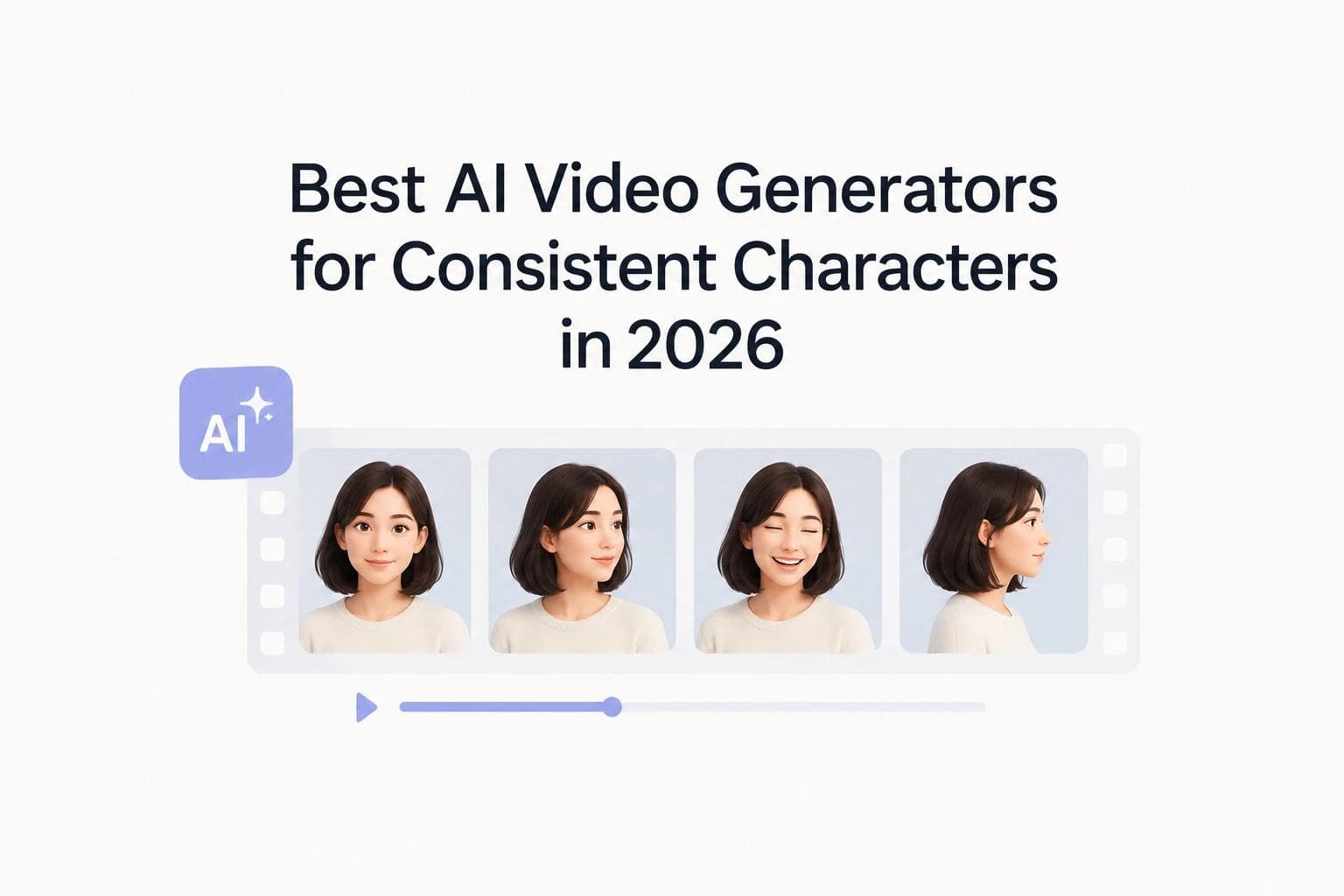
Every tool on this list can hold a character steady inside one clip. Across a full 10-minute episode, the numbers change sharply.
A 10-minute video takes about 75 generations on Veo, 40 on Kling, and one on LongStories.
Figures below were checked against vendor documentation on 22 October 2026. Video models ship fast, so verify before you commit a budget.
What "consistent" actually means here
Consistency here means a character's identity survives between generations: same face, same wardrobe, same proportions, shot after shot.
Three things decide whether it holds:
- Reference-image controls. Can you lock a face, a wardrobe, a palette?
- Repeatable camera angles. Does a profile shot return the same character as the three-quarter view?
- Shot-level regeneration. Can you fix one broken shot without redesigning the character?
The third one is where most workflows break. Fix a bad shot in the middle of a sequence and you often get a subtly different person back.
The clip-length ceiling
Here is the number that shapes everything else.
Tool | Max per generation | Generations for a 10-minute video |
|---|---|---|
LongStories | Up to 15 minutes | 1 |
Google Veo 3.1 | 4, 6 or 8 seconds (8 only with reference images) | ~75 |
Runway Gen-4 / Gen-4.5 | 5 or 10 seconds | 60 to 120 |
Luma Ray3 | 5 or 10 seconds (5 for image-to-video) | 60 to 120 |
Kling 3.0 Omni | 3 to 15 seconds | ~40 |
Seedance 2.5 | 30 seconds, single pass | ~20 |
Read the right-hand column again. Twenty generations is the best case among the clip-based tools, and that is Seedance at its new 30-second ceiling.
Every join between two generations is a place identity can slip. A tool with excellent single-clip consistency still compounds its error rate across seventy-five seams.
It also changes what the published trade-offs mean. "Credits disappear quickly when regenerating shots" is a minor irritation on one clip. Across seventy-five, it is the project.
1. LongStories: best for consistent characters across a full episode

LongStories generates up to 15 minutes in one pass, from a single idea or a finished script, with the same character and style held across the whole runtime.
No patching a long video together out of many shorter ones. That is the entire difference, and it is worth being precise about why it matters.
The problem every other tool on this list leaves you to solve
Look again at what the clip ceilings mean in practice. Veo 3.1 gives you 8 seconds per generation when you use reference images. Runway's Gen-4 workflow gives you 5 or 10. Kling 3.0 Omni tops out at 15 seconds, Seedance 2.5 at 30.
So a 10-minute episode runs to twenty or seventy-five separate jobs on those tools, and then you assemble them yourself.
That assembly is the hard part, and it stays hard even when the references work perfectly. You still have to:
- Build and maintain a master reference library, and re-feed it every session
- Generate each clip separately, checking identity against the reference every time
- Catch the drift that appears when a character turns, changes pose or appears from behind
- Re-roll the failures, which costs credits each time
- Keep wardrobe, lighting and setting details matched across every generation
- Stitch the result without visible seams, then fix the audio across the joins
- Do all of it again for the next episode
Generating one consistent 5-second clip is genuinely easy now. Maintaining the same character through a 5 to 15 minute story is a different problem, and every join is a fresh chance to lose them.
What these tools are actually built for
They are built for short-form work, and they do it very well.
Realistic short-form output, ads, cinematic single shots, replicating a viral post or video, a dialogue scene that needs real audio. For any of that, the tools below are excellent and you should pick on motion, audio or price.
But none of them is an autonomous episode-production system. They are clip generators with reference controls added on top. If you want a continuous system for publishing consistent characters in the same style, week after week, you have to be the system yourself.
What changes when the full runtime is one generation
With LongStories the pipeline collapses to its minimum: an idea or a script goes in, a finished long video comes out.
Pros
- Up to 15 minutes in a single generation, so there is nothing to assemble and no seams to hide
- Characters, style and voice stay locked across the entire video, clip to clip
- Purpose-built for 2D cartoon in the traditional TV style, Pixar-style 3D animation, anime and similar stylised content
- Works from an idea or from a script you already have, with no reference library to build or maintain
- No AI expertise and no multi-tool pipeline, which is the part that costs creators the most time
- Built for repeat output, so the next episode starts where the last one finished
Cons
- Built for animated storytelling, so the output is stylised
- Less granular shot-by-shot camera control than a dedicated clip editor gives you
Verdict: the pick when you are producing a series, a long kids' video or a short film with recurring characters. It is the only tool here that treats the full runtime as one generation.
The time it saves sits in everything that one generation replaces.
You can try it on the AI video generator with consistent characters page, or start from the long AI video generator if runtime is your main constraint.
2. Runway: best all-around production workflow

Runway suits creators who want to approve a character image first, then animate that character across separate shots.
Pros
- Reference images preserve facial features, clothing and style
- Strong creative controls for building scenes iteratively
- Editing and image-generation tools sit alongside video
- Genuinely repeatable production workflow
Cons
- Holding identity through complex movement takes iteration
- Credits go fast when you regenerate shots
- More settings means a steeper learning curve
Verdict: the best pick if you want an organised workflow for a polished set of connected shots. Gen-4 and the newer Gen-4.5 both cap at 5 or 10 seconds per generation.
3. Kling AI: best for dynamic character scenes
Kling is the one to test first if your character needs to move a lot, interact with others, or speak.
Pros
- Character Elements preserves a character across different scenes
- Motion Control helps with movement and performance
- Native audio and character voice in supported workflows
- Strong on action, walking and interaction
Cons
- Complicated movement introduces visual inconsistencies
- Elaborate generations cost more credits
- Fine facial expressions, hands and character interactions need retries
Kling 3.0 Omni also raised its ceiling. The duration parameter now accepts any integer from 3 to 15 seconds, up from the 5 or 10 of earlier versions. Most comparison articles have not caught up with that.
Verdict: the strongest motion engine here, and the longest clip among the reference-workflow tools.
4. Luma Dream Machine: best for reference-led continuity

Worth testing when you already have a character design and want it animated into new environments.
Pros
- Reference-driven workflows carry a character into new settings
- Keyframes control how a shot opens and closes
- Video-to-video refines footage you already have
- Good for atmospheric, cinematic work
Cons
- Identity drifts when a character turns, changes pose or appears from behind
- Exact wardrobe and small accessories are hard to preserve
- Getting motion and composition right together takes several attempts
Verdict: strong reference handling, with the usual caveat that back-of-head and profile shots are where it slips.
5. Google Veo: best for dialogue and cinematic audio

Veo earns its place when sound carries as much of the scene as the image does.
Pros
- Generates video with dialogue and environmental audio
- Naturalistic performances reduce separate audio production
- Good for cinematic scenes needing atmosphere
- Audio and visuals arrive together
Cons
- Character continuity is not guaranteed between separate generations
- Reference controls vary depending on where you access it
- Generated dialogue, lip sync and voices may need correction
- High-quality generations get expensive
There is a detail here worth knowing. Veo 3.1 supports 4, 6 or 8 second outputs, but reference-image-to-video supports 8 seconds only. The workflow you need for character consistency is the one locked to the shortest ceiling.
Verdict: pick Veo when sound is central. If your real problem is the same face across twenty scenes, test its reference workflow before you commit.
6. Seedance: best single-pass length
Seedance 2.5 is the genuine exception on this list, and it deserves credit for it.
Pros
- Native 30-second generation in one pass, no stitching or scene-cut splicing
- Combines multiple reference types: image, video, audio
- Suits complex scenes with detailed creative requirements
- Available through several multi-model platforms
Cons
- Exact features depend on the version and platform you use
- More reference inputs does not automatically mean better identity consistency
- Credit costs climb with resolution and reference-video use
- Harder to compare prices through a third-party platform
Verdict: the longest single-pass output among the clip-based generators by a factor of three. Still twenty generations for a 10-minute episode.
The comparison, side by side
These are practical qualitative assessments for character-driven projects. Treat them as working notes, since no standardised benchmark covers all five.
Tool | Character consistency | Motion | Audio | Holds identity across 10+ minutes |
|---|---|---|---|---|
LongStories | Held across full runtime | Good | Built in | Single generation |
Runway | Strong reference workflow | Very good | Depends on model | Requires 60 to 120 joins |
Kling AI | Strong character tools | Excellent | Strong | Requires ~40 joins |
Luma | Strong reference-led workflow | Very good | Version-dependent | Requires 60 to 120 joins |
Google Veo | Test reference controls | Very good | Excellent | Requires ~75 joins |
Seedance | Reference-dependent | Very good | Version-dependent | Requires ~20 joins |
Notice that the final column is the one most comparisons leave out. Every other criterion is measured at shot level, which is fine when a shot is what you are making.
Where each tool wins
If you want a short answer:
What you are making | Start with |
|---|---|
A 5 to 15 minute animated story or episode | LongStories |
A photorealistic ad or viral-style clip | Runway or Veo |
Action, interaction or a character who speaks | Kling AI |
Animating an existing character design | Luma Dream Machine |
A dialogue scene where audio matters most | Google Veo |
A single scene up to 30 seconds, seamless | Seedance |
Why long-form is a different problem
Holding a character through a 5 to 15 minute story is a different job from generating one good clip.
Give a model a solid reference and it returns a matching face. That part is solved.
The rest is plumbing. Something has to remember the character between generations, keep the style locked across scenes, carry the voice, and stitch the result without visible seams. On a clip-based tool, you do all of it.
The published trade-offs describe this directly. Identity drifts when a character turns. Hands and fine expressions need retries. Continuity varies between separate generations. All manageable on one clip, all multiplied by the number of joins.
This is why the list above starts where it does. A single generation has no joins, so there is no drift to police and no pipeline to run. For 2D cartoon work, Pixar-style 3D animation and anime, that removes the part of the job that makes episodic content expensive.
What about cost?
One thing worth flagging before you subscribe to anything: published API rates and monthly subscription costs are priced differently, and the gap is wide.
Credit models charge per generation, and retries are generations too. The number to track is cost per usable shot. A tool that needs three attempts to land a profile view costs three times its headline rate on that shot.
That maths changes sharply at episode length. Seventy-five generations with a 30% retry rate is roughly a hundred billable generations for ten minutes of video.
How to keep characters consistent, whichever tool you pick
This workflow works across all of them:
- Create a master character reference. Lock the face, hairstyle, clothing, colours, proportions and distinctive features.
- Generate a character sheet. Front, side and three-quarter views where the tool supports it.
- Reuse the same reference assets. Never rebuild a character from a text description alone.
- Generate scenes separately. Keep character descriptions, wardrobe and key setting details identical.
- Test the hard shots early. A close-up, a full-body movement, a profile view and a lighting change, before you produce anything complete.
Judge identity across the entire clip, all the way to the final second.
That last point catches more problems than anything else on the list. Drift usually appears in the final second.
How do I keep edits consistent across a series?
Decide where the character lives before you generate anything. If the character exists only inside a prompt, every episode is a fresh negotiation.
On clip-based tools, that means maintaining your own reference library and re-feeding it every session. On a system built for episodes, the character persists between them.
For a series specifically, the deciding feature is the third criterion from earlier: can you regenerate one shot without redesigning the character? If not, every correction in episode four risks breaking continuity with episodes one to three.
Why does my AI animation lose lip-sync?
Usually because audio and video were generated separately, then aligned afterwards.
Tools that generate native audio alongside the image, like Veo and Kling in supported workflows, avoid most of this. Tools where you add a voice track later will drift, and the drift compounds over longer runtimes.
If dialogue matters, test a two-character conversation before anything else. It is the hardest thing to fake and the fastest way to see whether a tool is serious about it.
Can AI fix continuity errors without re-rendering everything?
Rarely, and this is the honest weak point of the whole category.
Most tools regenerate the shot, which means a new roll of the dice on the character. A few offer video-to-video refinement that preserves more of the original, Luma's being the most developed of them.
Plan around it. Test your difficult shots first, approve the character properly, and you will regenerate far less.
Which should you actually test?
Do not subscribe to all five.
Create one master character image. Generate the same four or five test scenes in your top two tools. Compare facial identity, clothing, movement and cost per usable shot.
That tells you more than any demo reel, including the ones in this article.
And be honest about the deliverable. For 30-second clips, the tools above are all genuinely good, so pick on motion, audio or price. For episodes, count the joins first.
No generator guarantees perfect character consistency. What varies is how many chances it gets to break.
LongStories is constantly evolving as it finds its product-market fit. Features, pricing, and offerings are continuously being refined and updated. The information in this blog post reflects our understanding at the time of writing. Please always check LongStories.ai for the latest information about our products, features, and pricing, or contact us directly for the most current details.