

AI Video Tools Pricing Comparison: 2025 Guide
Looking for the best AI video tool in 2025? Here’s what you need to know:
- Budget-friendly options: Pixverse starts at $15/month, ideal for small projects.
- Mid-range tools: Synthesia offers avatar-based videos at $22/month with 120 minutes per year.
- Advanced features: Runway provides professional-grade tools for $28/user/month but limits you to 450 seconds of video monthly.
- Collaboration-focused: Loom AI’s plans start at $15/user/month, scaling up for team features.
- Storytelling specialists: LongStories.ai starts at $59/month for 4,500 credits and videos up to 10 minutes, scaling to 15-minute videos on higher tiers.
Quick Comparison Table
| Tool | Starting Price | Video Duration | Export Quality | Best For |
|---|---|---|---|---|
| LongStories.ai | $59/month | 4,500 credits/month, up to 10 mins per video | Up to 4K | Content creators, educators |
| Synthesia | $22/month | 120 mins/year | Up to 4K | Business presentations |
| Runway | $28/user/month | 450 secs/month | Up to 4K | Professional creators |
| Loom AI | $15/user/month | 5 mins (Free Plan) | Up to 1080p | Team collaboration, businesses |
| Pixverse | $15/month | 5 mins (Starter Plan) | Up to 720p | Small businesses, educators |
Choose based on your needs - whether it’s affordability, advanced tools, or team collaboration. Keep reading for a detailed breakdown of each platform.
The Best AI Video Generators of 2025
1. LongStories.ai
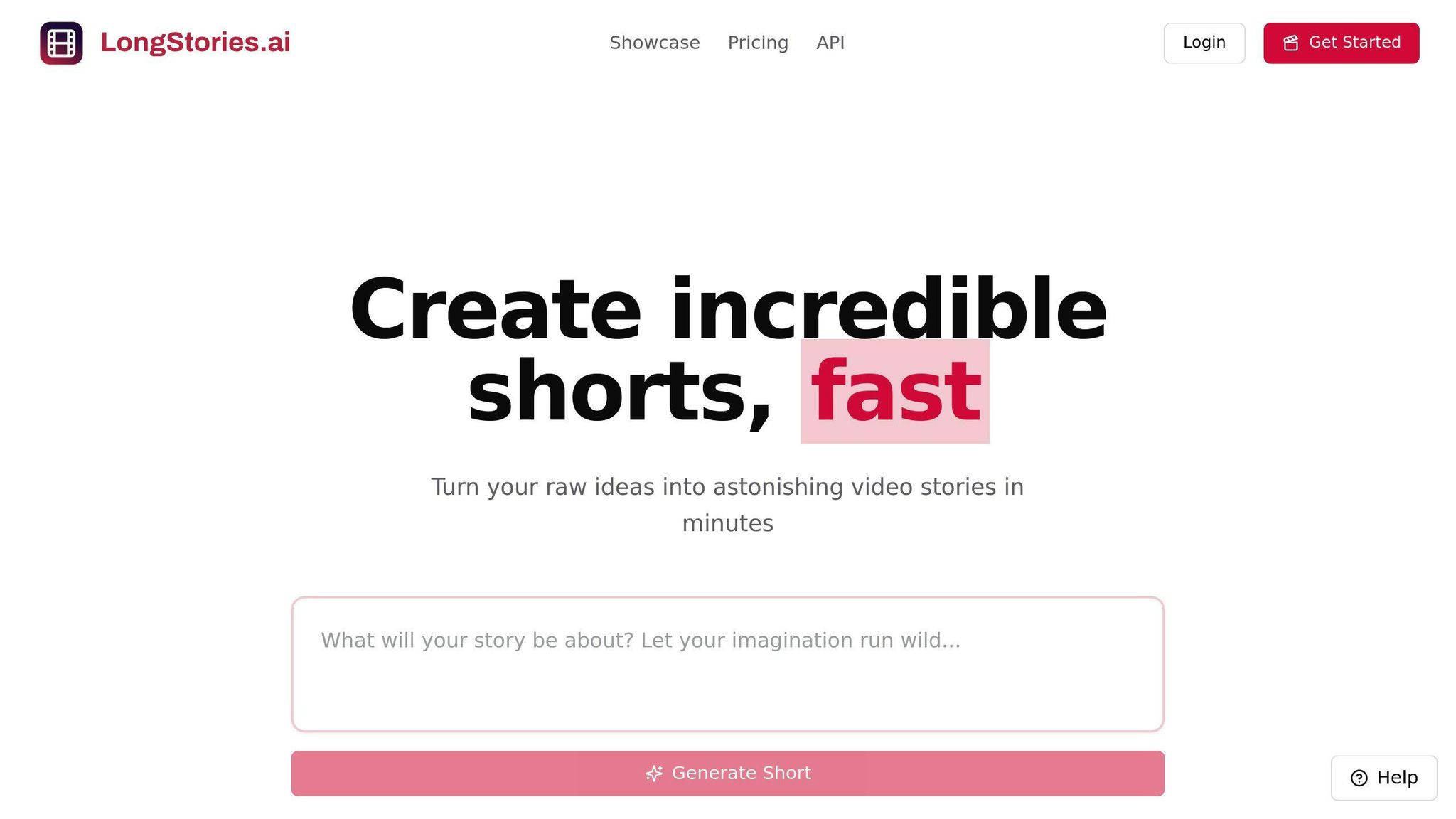
LongStories.ai provides flexible pricing to suit a range of users, from solo creators to larger teams. Credit consumption depends on video length and animation type, so lighter image-based videos stretch further than fully animated ones.
| Plan | Monthly Price | Credits | Features |
|---|---|---|---|
| Pro | $59 | 4,500 | Videos up to 10 minutes, private videos, download all clips |
| Creator | $99 | 8,500 | API access, high-quality export presets, up to 10 custom voices |
| Creator Max | $199 | 17,000 | Videos up to 15 minutes, custom model selection, custom sound prompts |
| Studio | $299 | 26,000 | Built for team and agency workloads |
| Studio Max | $499 | 45,000 | Highest monthly credit volume |
The Creator Max plan at $199/month stands out with 17,000 credits and the full 15-minute video length, making it a great choice for professionals producing long-form series. Compared to alternatives like Synthesia, which offers 120 minutes per year at $22/month, LongStories.ai is built around much longer individual videos.
Higher-tier plans unlock advanced features such as API access, custom model selection, and custom sound prompts, tailored to your specific needs. Studio and Studio Max are designed for high-volume users running team or agency workloads. For those just starting, signing up is free and includes 200 credits for building characters and scripts, though generating a video requires a paid plan.
Annual billing includes a 25% discount, unused credits roll over to the next month, and active subscribers can buy top-up packs from 800 credits for $12 up to 45,000 for $500.
While LongStories.ai is a powerful tool for storytelling, other platforms like Synthesia bring their own strengths in AI-powered video creation, offering users a variety of options to meet their needs.
2. Synthesia
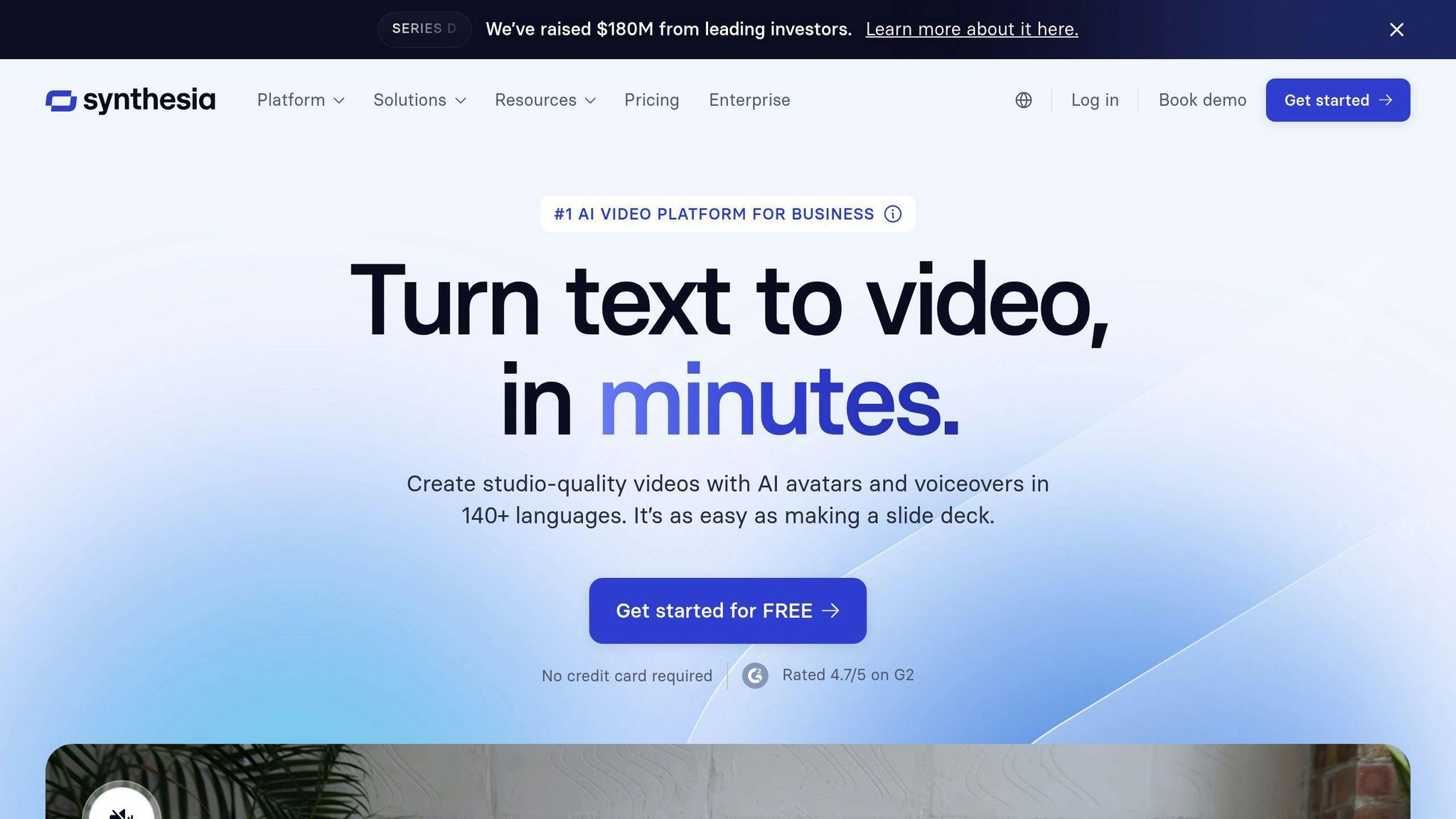
Synthesia offers a mid-tier option for video creation, priced at $22 per month when billed annually ($264/year). It’s designed to help users produce professional videos with minimal effort, making it a practical choice for those who value efficiency.
| Feature Category | Details |
|---|---|
| Video Generation Limit | 120 minutes per year |
| Core Features | Virtual avatars, pre-written scripts, video templates |
| Language Support | Multiple languages and voice options |
| Additional Tools | Voice recordings, custom audio integration |
| Support Level | Standard technical support |
The platform stands out for its simplicity and emphasis on avatar-based videos, making it a great fit for creating:
- Educational content
- Product demos
- Corporate training materials
- Social media posts
One thing to keep in mind is Synthesia’s fixed 120-minute annual limit, which might require careful planning for users with high production needs. However, its avatar customization and multilingual options make it a strong choice for marketers, educators, and businesses looking to create personalized or global content.
At $22 per month, Synthesia holds a competitive spot in the mid-range market. Its straightforward design and pre-written templates are ideal for users who prioritize ease of use over advanced editing options.
Highlighted features include:
- A simple interface with pre-written templates for quick results
- A diverse avatar library
- Multi-language support for reaching global audiences
These tools make Synthesia a solid pick for marketers and educators needing professional videos without extensive editing. That said, users looking for more advanced editing features or the ability to create longer videos might want to explore other platforms.
While Synthesia shines in avatar-based simplicity, platforms like Runway offer more expansive creative possibilities.
3. Runway
Runway is a high-end AI video tool, starting at $28 per user per month. It’s designed for professional creators and businesses that need advanced video generation features.
| Feature Category | Details |
|---|---|
| Base Plan Cost | $28/user/month |
| Video Generation Limit | 450 seconds per month |
| Core Features | Text-to-video generation, style customization, video preview |
| Advanced Tools | Image and video input processing |
| Target Users | Professional creators, marketers, businesses |
Runway emphasizes quality and creative flexibility, offering 450 seconds of video generation through its Gen-2 tool. Unlike platforms like LongStories.ai, which focus on storytelling, Runway caters to users seeking professional-grade outputs and customization options.
Why consider Runway?
- Tailored style customization for maintaining brand identity
- Supports multiple input types: text, images, and videos
- Delivers high-quality video previews
- Provides tools for flexible, creative control
This platform is a great fit for creative agencies, marketing teams, and businesses that demand polished, customizable video content. However, the 450-second monthly limit means you’ll need to plan your projects carefully to make the most of the platform.
Runway’s pricing and features are aimed at users who value advanced tools over bulk video production. To determine if it’s worth the investment, consider starting with a monthly plan before committing to a longer-term subscription.
While Runway shines with its professional-grade tools, it may not suit everyone. Platforms like Loom AI might be better for those with different budgets or priorities.
sbb-itb-94859ad
4. Loom AI
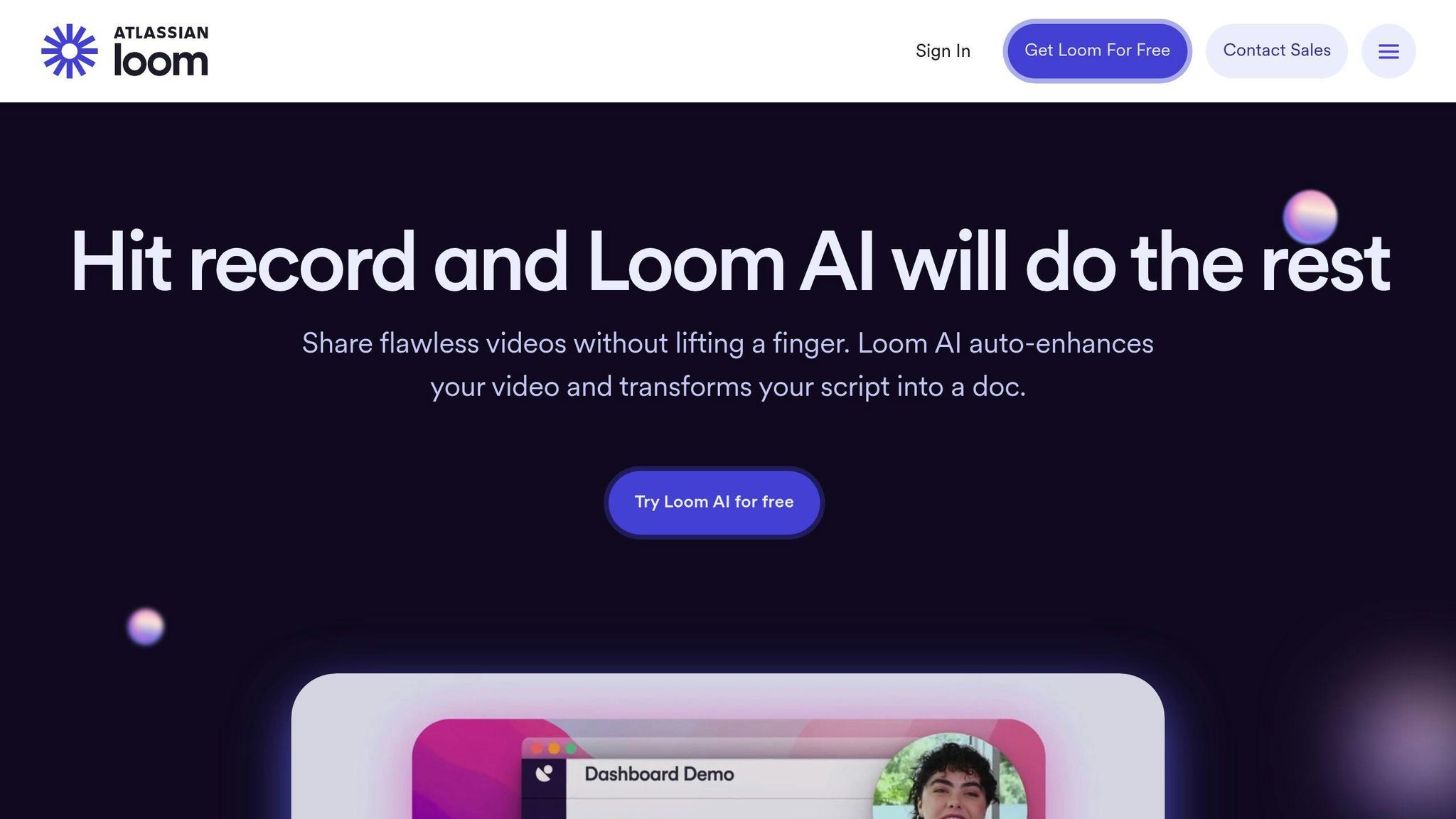
Loom AI provides AI-powered video creation tools with pricing options tailored to different user needs. As of 2025, users can choose between monthly or annual subscriptions, with the annual plans offering a 10% discount.
| Plan Type | Monthly Cost | Key Features | Limitations |
|---|---|---|---|
| Free | $0 | Basic video creation, limited storage | 5-minute videos, 2GB storage |
| Pro | $15/user | HD export, advanced editing tools | 15-minute videos, 50GB storage |
| Business | $35/user | AI editing suite, team collaboration | Unlimited video length, 500GB storage |
| Enterprise | Custom | Custom integrations, dedicated support | Custom storage solutions |
Loom AI differentiates itself from competitors like Runway and Synthesia by focusing on scalable video creation and team collaboration. For example, while Runway limits users to 450 seconds of video per month, Loom AI provides more flexibility with its storage and video length options.
Features by Plan
The Pro plan ($15/user/month) includes HD exports, advanced editing tools, and integrations with marketing platforms, making it ideal for small teams or individual creators. The Business plan ($35/user/month) adds features like unlimited video length, team management tools, and enhanced security, making it a strong choice for companies with higher production demands. Educational institutions can also access specialized pricing, making the platform accessible for academic use.
Tips to Save on Costs
- Opt for the free plan or annual subscriptions to reduce expenses.
- Use batch processing to maximize credit efficiency.
- Share team licenses to get the most value in collaborative projects.
Loom AI excels in scalability and team-focused features, but for creators with simpler needs, Pixverse might be a more affordable alternative.
5. Pixverse
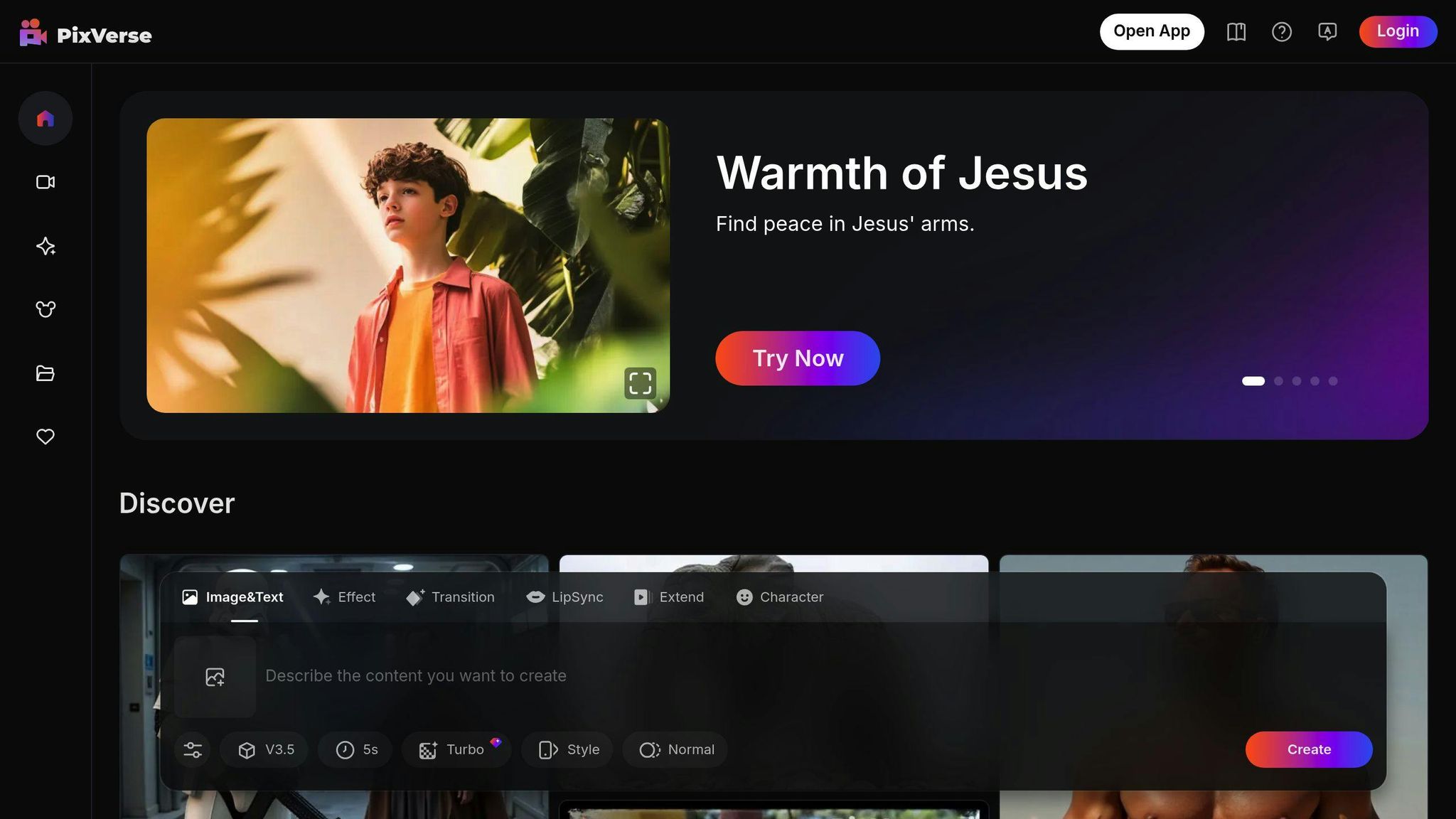
Pixverse offers an AI video creation platform tailored for budget-conscious users, with plans starting at just $15/month. It’s a go-to choice for small businesses, educators, and individual creators who need affordable video production without sacrificing quality.
| Plan Type | Monthly Cost | Storage | Features Included |
|---|---|---|---|
| Starter | $15 | 10GB | Basic video creation, 720p export |
| Creator | $25 | 50GB | HD exports, stock media library |
| Professional | $45 | 200GB | 4K exports, advanced effects |
| Team | $89 | 500GB | Collaboration tools, priority support |
Why Choose Pixverse?
Pixverse stands out by focusing on simplicity and affordability, making it ideal for individual creators and small teams. Unlike Loom AI, which emphasizes team collaboration, Pixverse keeps things straightforward with a pricing structure designed for users who need essential features without extra frills.
How to Get the Most from Pixverse
For those looking to save, annual subscriptions offer a 20% discount. Reusing templates can also help users streamline their workflow and reduce video generation time. Plans vary in video length limits, starting with 5-minute videos on the Starter plan and going up to unlimited lengths with the Team plan. Each tier unlocks more templates and advanced tools.
Who Benefits Most?
Pixverse is particularly effective for short-form video creation and educational projects. It’s a strong fit for:
- Social media marketers who need quick, platform-ready videos.
- Educators working with limited budgets.
- Small business owners handling their own content needs.
- Individual creators producing niche or platform-specific content.
With its focus on affordability and must-have features, Pixverse is a solid option for creators looking to keep costs low while producing professional-quality videos.
Tool Comparison Chart
Here’s a side-by-side look at some of the top AI video tools available in 2025 to help you decide which one fits your needs:
| Feature | LongStories.ai | Synthesia | Runway | Loom AI | Pixverse |
|---|---|---|---|---|---|
| Starting Price | $59/month | $22/month | $28/user/month | $89/month | $15/month |
| Video Duration | Up to 15 mins per video | 120 mins/year | 450 secs/month | Unlimited | 5 mins |
| Export Quality | Up to 4K | Up to 4K | Up to 4K | Up to 1080p | Up to 720p (Starter) |
| Storage | Unlimited | 20GB | 100GB | 250GB | 10GB (Starter) |
| Key Features | AI storytelling, reusable Universes, API access | Virtual avatars, video templates | Generative AI, style transfer | Team collaboration, analytics | Stock media library |
| Best For | Content creators, educators | Business presentations | Creative professionals | Enterprise teams | Small businesses |
This chart gives a quick overview, but diving into each tool's unique features can help you find the perfect fit.
What Sets These Tools Apart?
Each platform has its own strengths:
- LongStories.ai: Known for its credit-based system and storytelling capabilities, it’s a great choice for creators. The Creator Max plan ($199/month) includes 17,000 credits, videos up to 15 minutes, and custom model selection.
- Synthesia: Ideal for creating avatar-based videos. Its $22/month plan includes a library of templates and access to AI avatars, making it a go-to for professional business presentations.
- Runway: Geared toward creative professionals, it offers powerful generative AI for style customization and advanced editing. While video duration is limited, its customization options are excellent.
- Pixverse: A budget-friendly option starting at $15/month, offering export quality from 720p to 4K, making it accessible for smaller projects.
Ultimately, your choice depends on what matters most - whether it’s export quality, storage, or specific features. For example, Synthesia is a strong pick for avatar-based business videos, while Pixverse is a good option for general video creation on a tighter budget.
Recommendations by User Type
Choosing the right AI video tool depends on your specific needs and budget. Here's a breakdown of the best options for different types of users:
Content Creators and YouTubers
If you're producing videos regularly, LongStories.ai's Pro plan ($59/month) is a great fit. It includes 4,500 monthly credits and videos up to 10 minutes, helping you stay on track with your content schedule. The AI Storytelling Agents and reusable Universes keep your characters and style consistent across episodes.
Small Business Owners
For small businesses on a tight budget, Pixverse's Starter plan ($15/month) offers essential video creation tools while keeping the quality professional.
Enterprise Teams
Larger teams can benefit from Loom AI's Enterprise plan ($89/month), which includes collaboration tools, analytics, and custom branding. It's a strong choice for managing team-based video projects at scale.
Educational Institutions
Educators looking to create engaging course materials will find Synthesia's $22/month plan ideal. It includes avatars and templates tailored for educational content.
Professional Creators
For creators working on high-end productions, Runway's $28/user/month plan provides advanced editing tools and style transfer capabilities.
Marketing Teams
Marketing teams producing promotional content should consider Pixverse's Professional plan ($45/month). It supports 4K exports and advanced effects, making it ideal for social media and marketing campaigns.
These recommendations are designed to help you find the best AI video tool for your specific needs. Up next, we'll tackle some common questions to assist with your decision-making.
FAQs
How much does an AI-generated video cost?
The price of AI-generated videos in 2025 can vary widely depending on your needs and the platform you choose. Here's a snapshot of typical pricing:
Entry-Level Plans
- Plans start at around $20/month
- Offer basic features and limited video creation
- Best for individuals or small businesses
Professional Plans
- Range between $45-$70/month
- Include advanced features and higher usage limits
- Designed for teams or professional creators
"If you're a business that needs video content for social media, AI tools like Synthesia, Invideo, and Pictory can help you create multiple-minute videos for $19 to $89 per month."
Tips to Save Money: Choose annual subscriptions for discounts, monitor credit usage to avoid extra charges, and check whether unused credits roll over. Look for plans that include HD exports and remove watermarks for better value.
AI video tools usually follow tiered pricing based on factors like:
- Monthly video creation limits
- Video resolution (HD vs. 4K)
- Access to premium tools
- Team member allowances
- API access needs
- Custom branding options
For a detailed comparison of specific tools and plans, check out the chart mentioned earlier. Knowing these details will help you pick the right option, whether you're working solo or with a team.
Related posts
LongStories is constantly evolving as it finds its product-market fit. Features, pricing, and offerings are continuously being refined and updated. The information in this blog post reflects our understanding at the time of writing. Please always check LongStories.ai for the latest information about our products, features, and pricing, or contact us directly for the most current details.