
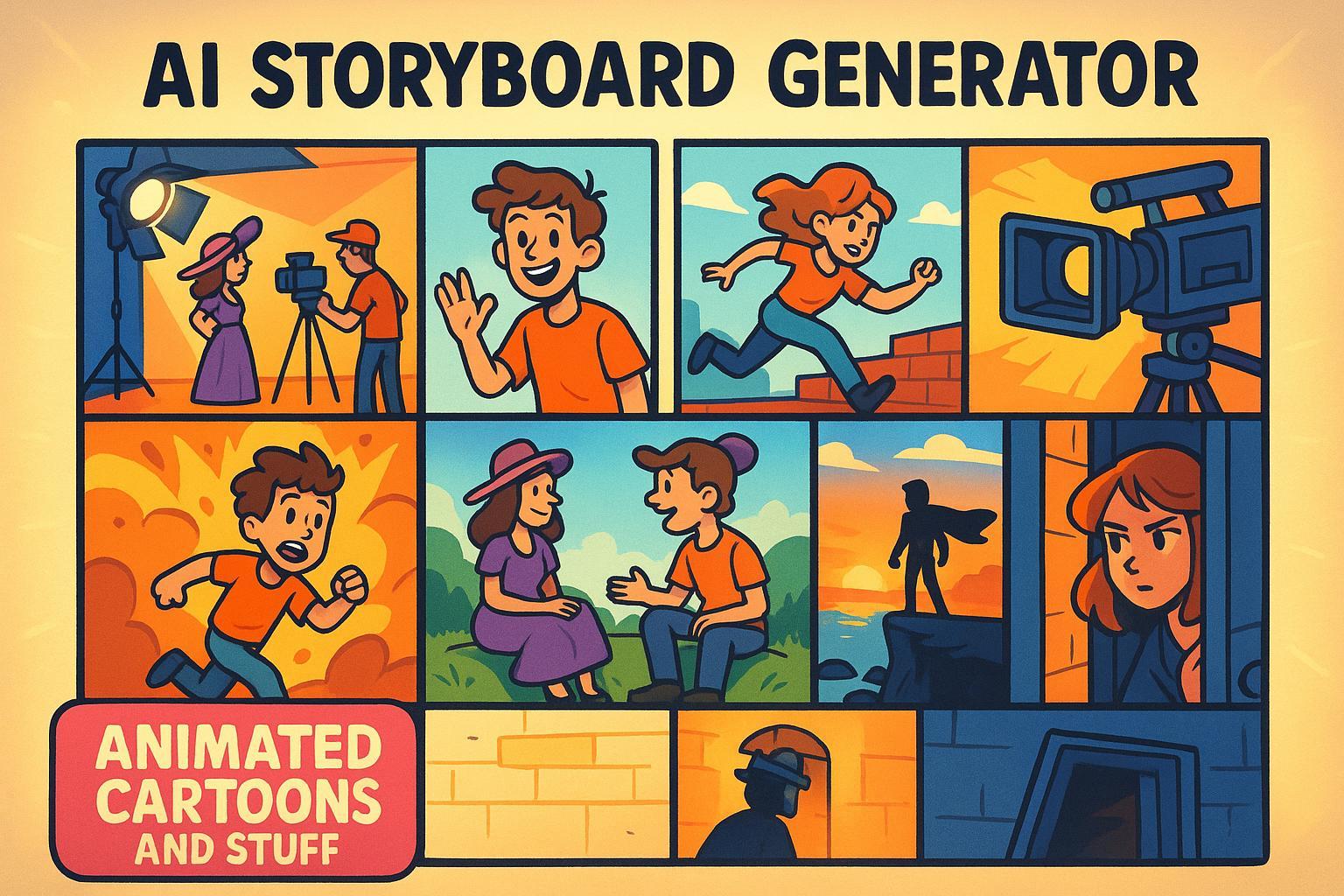
AI Storyboard Generator
Craft Your Vision with an AI Storyboard Generator
Creating a compelling video or film starts with a solid plan, and storyboarding is the backbone of visual storytelling. For filmmakers, animators, and even hobbyists, mapping out scenes can be time-consuming and daunting. That’s where a smart tool for video planning comes in, offering a seamless way to transform raw ideas into structured frame-by-frame breakdowns.
Why Storyboarding Matters
A storyboard acts like a roadmap, guiding you through each shot before a camera even rolls. It helps you visualize pacing, nail down key moments, and spot potential issues early. But crafting one manually often feels like a slog, especially if you’re juggling tight deadlines or creative blocks. With modern tech, you can streamline this process, letting artificial intelligence handle the heavy lifting while you focus on the big picture.
A Tool for Every Creator
Whether you’re working on a short animation or a full-length drama, having a reliable way to outline scenes is invaluable. This kind of digital assistant breaks down your script or concept into digestible parts, complete with settings and character cues. It’s not just about saving time—it’s about bringing clarity to your creative process. So, if you’ve got a story to tell, why not let tech help you sketch the journey?
FAQs
How does the AI Storyboard Generator adapt to different genres?
Our tool is designed to understand the nuances of each genre you select. For instance, if you pick Horror, it’ll emphasize suspenseful settings like dark alleys or eerie forests, with tense dialogue snippets. Choose Comedy, and it’ll lean into quirky character actions or punchy one-liners. The AI analyzes genre conventions to ensure the tone of each frame matches your vision, so your storyboard feels authentic right from the start.
Can I edit the storyboard output if something feels off?
Absolutely! The frame descriptions are a starting point. You’ll get detailed text for each scene—think settings, character actions, and dialogue—but you’re free to tweak anything. Maybe the setting doesn’t quite fit, or you want to change a line of dialogue. It’s all editable, giving you full control while still saving you the heavy lifting of starting from scratch.
Is this tool suitable for beginners with no filmmaking experience?
Yes, it’s perfect for beginners! You don’t need to know the ins and outs of storyboarding or film production. Just type in your story idea—doesn’t matter if it’s rough—and the AI will structure it into clear, easy-to-follow frames. It’s a fantastic way to learn how stories translate into visual sequences, and it gives you a professional-looking plan to share with collaborators or just to guide your own project.
LongStories is constantly evolving as it finds its product-market fit. Features, pricing, and offerings are continuously being refined and updated. The information in this blog post reflects our understanding at the time of writing. Please always check LongStories.ai for the latest information about our products, features, and pricing, or contact us directly for the most current details.